You are here:

Copier Lease Guide: What to Check Before You Sign

A new office copier is a large one-time purchase, and a monthly payment looks far easier to approve. The trouble is that the monthly number is only one part of a copier lease. The contract decides who services the machine, who pays for toner, what happens to the hard drive when the copier goes back, and what it costs to leave early. This guide walks through each of those points so you can compare offers on the terms that matter. It sits within the wider topic of managed print services for offices, where the goal is predictable printing costs. How a Copier Lease Works With a lease, you pay for the use of the copier for a set period instead of buying it outright. The Small Business Administration (SBA) describes two kinds. An operating lease "works like a traditional rental": it does not go on your balance sheet, and the payments are operating expenses. A capital lease, the SBA says, works more like a loan: you own the asset for accounting purposes and take on its maintenance, risk and tax obligations. Some leases also have a buyout option that lets you purchase the copier at the end, and the SBA notes that shorter leases typically have higher monthly payments. Because every lease can be structured differently, the SBA advises reading the details of an offer closely, and suggests asking an attorney to review the agreement if any term is unclear. You will see the same idea sold as copier leasing, as printer copier rental, or as a plan to rent an office printer by the

​A new office copier is a large one-time purchase, and a monthly payment looks far easier to approve. The trouble is that the monthly number is only one part of a copier lease. The contract decides who services the machine, who pays for toner, what happens to the hard drive when the copier goes back, and what it costs to leave early. This guide walks through each of those points so you can compare offers on the terms that matter. It sits within the wider topic of managed print services for offices, where the goal is predictable printing costs.

How a Copier Lease Works

With a lease, you pay for the use of the copier for a set period instead of buying it outright. The Small Business Administration (SBA) describes two kinds. An operating lease "works like a traditional rental": it does not go on your balance sheet, and the payments are operating expenses.

A capital lease, the SBA says, works more like a loan: you own the asset for accounting purposes and take on its maintenance, risk and tax obligations. Some leases also have a buyout option that lets you purchase the copier at the end, and the SBA notes that shorter leases typically have higher monthly payments. Because every lease can be structured differently, the SBA advises reading the details of an offer closely, and suggests asking an attorney to review the agreement if any term is unclear. You will see the same idea sold as copier leasing, as printer copier rental, or as a plan to rent an office printer by the month. The name matters less than the contract behind it.

If you want the paperwork broken down step by step, our walkthrough of how the laser printer lease process works covers it, so this guide stays on the copier-specific questions.
A new office copier is a large one-time purchase, and a monthly payment looks far easier to approve. The trouble is that the monthly number is only one part of a copier lease. The contract decides who services the machine, who pays for toner, what happens to the hard drive when the copier goes back, and what it costs to leave early. This guide walks through each of those points so you can compare offers on the terms that matter. It sits within the wider topic of managed print services for offices, where the goal is predictable printing costs. How a Copier Lease Works With a lease, you pay for the use of the copier for a set period instead of buying it outright. The Small Business Administration (SBA) describes two kinds. An operating lease "works like a traditional rental": it does not go on your balance sheet, and the payments are operating expenses. A capital lease, the SBA says, works more like a loan: you own the asset for accounting purposes and take on its maintenance, risk and tax obligations. Some leases also have a buyout option that lets you purchase the copier at the end, and the SBA notes that shorter leases typically have higher monthly payments. Because every lease can be structured differently, the SBA advises reading the details of an offer closely, and suggests asking an attorney to review the agreement if any term is unclear. You will see the same idea sold as copier leasing, as printer copier rental, or as a plan to rent an office printer by the month. The name matters less than the contract behind it. If you want the paperwork broken down step by step, our walkthrough of how the laser printer lease process works covers it, so this guide stays on the copier-specific questions. An office worker lifting the lid of a copier to place a document on the glass What the Monthly Payment Usually Includes Many people assume the monthly payment covers everything. It often does not, so ask for each item in writing. The three areas below cause the most surprises. Service and maintenance The SBA says maintenance is sometimes included at no extra cost, which means sometimes it is not. Ask whether repair visits, parts and routine maintenance are part of the payment, who you call when the copier stops, and how quickly someone responds. A copier that is down in the middle of a workday costs more than the repair itself, so service terms deserve as much attention as the payment. Toner and supplies Ask whether toner is included, whether it ships automatically or you have to order it, and how pages beyond your estimate are handled. Manufacturers such as Brother and Lexmark state toner cartridge yield using an industry standard, ISO/IEC 19752, which gives you a common basis for comparing running costs between machines. The hard drive when the copier goes back The Federal Trade Commission (FTC) points out that "The hard drive in a digital copier stores data about the documents it copies, prints, scans, faxes or emails." A returned copier can therefore carry client records, invoices or employee paperwork. The FTC advises checking that the lease or purchase agreement states who keeps the hard drives at the end of the copier's life, or that the provider will overwrite them. It adds that this kind of service typically involves an additional fee, though you may be able to negotiate a lower cost when you lease a new machine. The FTC also recommends working with skilled technicians rather than removing the drive yourself. Not sure what your current agreement covers? Ask for a free assessment of how your office prints today, and learn which services are worth having in writing. Ask for a free assessment Leasing vs Buying a Copier The SBA is direct about the trade-off. Leasing needs less cash or credit up front, and it can sometimes cost less than buying with a high-interest loan. Short-term leases let you test equipment, and the SBA says lease payments for business assets are typically tax deductible. On the other side, the SBA states that "The lifetime cost is normally higher than buying," replacing equipment at the end of a lease can be expensive, and depreciation of leased assets is typically not tax deductible. Buying costs more at the start but is usually less over the machine's whole life. For a broader look at the same decision across printers, see our article on printer leasing versus buying. For copiers, the practical questions are how long you expect to keep the machine and how much you want to avoid a large payment now. Section 179 and a copier lease Section 179 is an IRS rule that lets a business deduct the cost of qualifying property in the year it is placed in service, instead of spreading the cost out through depreciation. The IRS lists office equipment among the kinds of tangible personal property that can qualify. For tax years beginning in 2025, the maximum deduction is $2,500,000, reduced by the amount that qualifying property placed in service in the year goes over $4,000,000. For tax years beginning in 2026, the maximum is $2,560,000, reduced once the cost of qualifying property placed in service goes over $4,090,000. The IRS attaches conditions. The property must have been acquired by purchase. If you use it for both business and personal purposes, you can elect the deduction only if business use is more than 50% in the year you place it in service. The deduction is also limited to the taxable income from your trade or business for the year. The IRS publication does not say whether a leased copier qualifies. It does say that when you lease property for your business, you generally cannot depreciate its cost because you do not keep the incidents of ownership. Whether a particular lease can qualify depends on how the lease is structured, so ask a tax professional before you count on a deduction. Why the structure of the lease matters Because the IRS names purchase as a condition, the way a lease is written is part of the tax question, not only the pricing question. Bring the actual contract to your accountant, not just the monthly quote. A woman reading a printed contract at her desk beside a laptop Buy or lease, with service either way We help offices with purchase and leasing, and with the ongoing support that keeps the copier running after it arrives. Talk to us about your options How to Avoid Hidden Costs in a Lease Most hidden costs sit in the parts of a contract that people skim. Read for these before you sign. Early termination. The SBA warns that leaving a lease early can bring steep early-termination penalties. Ask what you would owe if the office moves or shrinks. End of lease. The SBA notes that replacing equipment at lease end can be expensive. Ask whether you return, renew, upgrade or buy the machine, and what each option costs. Data on the drive. As the FTC advises, confirm in the agreement who keeps the hard drive or that it will be overwritten, and whether that service carries a fee. Only one quote. Get more than one offer and compare the rates, terms, fees and end-of-lease options side by side. Our guide on what to ask before you hire a printer leasing company adds questions that apply to any provider, including a copier supplier. Have a lease offer you want a second look at? Tell us what your copier needs to do, and we will help you decide which terms to ask for. Contact us How to Choose a Copier Lease for Your Print Volume Print volume is the number that connects the machine to the contract. Count how many pages your office produces in a typical month, including copies and scans, and compare that to what the machine is built for. Match the machine to your monthly pages Manufacturers publish two different numbers. The duty cycle is the maximum a machine can produce in a month. HP defines it as "the maximum number of pages per month of imaged output," and Xerox describes it as a volume not expected to be sustained on a regular basis. The recommended monthly volume is a smaller range. For one HP office multifunction model, HP lists a recommended range of 2,500 to 12,500 pages against a duty cycle of up to 150,000. Brother says occasional use above the recommended range has little or no effect, but consistently printing above it may hurt print quality or the life of the machine. Use the recommended range, not the duty cycle, as your target. Leave room for growth Brother advises choosing a recommended print volume that allows for any anticipated increase in printing needs. A lease is a commitment, so a machine that is slightly larger than you need is easier to live with than one you outgrow in a year. If you are weighing a single machine that prints, copies and scans, the multifunction printer buying guide on our site covers what to look for in one. Stacks of printed files and folders piled on tables in an office Leasing Together With Managed Print Services On-Site LaserMedic pairs flexible leasing options with managed print services, so one team looks after the copier and the things around it. The company describes managed print services as complete oversight and support for your print infrastructure, from networked laser printers and multifunction copiers to toner replacement and cost tracking. We start by understanding your print volume, device types and workflow needs, then evaluate your current fleet and set up monitoring so alerts reach you when toner is low, paper needs refilling or service is required. Supplies can be replenished automatically, and certified technicians handle repair. A Preventative Printer Maintenance program is aimed at minimizing downtime. For an office manager, the benefit is fewer surprise orders and fewer emergency calls, which makes the monthly cost easier to predict. Whichever provider you choose, ask for the services your lease covers to be listed in writing. Get a Free Assessment Before You Sign If you are comparing offers, we can help you read the terms, match a machine to your print volume, and see how managed print services would fit. Explore managed print services or contact us to schedule a free assessment.

What a Copier Lease Payment Usually Includes

Many people assume the monthly payment covers everything. It often does not, so ask for each item in writing. The three areas below cause the most surprises.

Service and maintenance

Some copier leases include maintenance at no extra cost. Others charge separately for service and repairs. Check your agreement before signing. Ask whether repair visits, parts and routine maintenance are part of the payment, who you call when the copier stops, and how quickly someone responds. A copier that is down in the middle of a workday costs more than the repair itself, so service terms deserve as much attention as the payment.

Toner and supplies

Ask whether toner is included, whether it ships automatically or you have to order it, and how pages beyond your estimate are handled. Manufacturers such as Brother and Lexmark state toner cartridge yield using an industry standard, ISO/IEC 19752, which gives you a common basis for comparing running costs between machines.

The hard drive when the copier goes back

The Federal Trade Commission (FTC) points out that "The hard drive in a digital copier stores data about the documents it copies, prints, scans, faxes or emails." A returned copier can therefore carry client records, invoices or employee paperwork. The FTC advises checking that the lease or purchase agreement states who keeps the hard drives at the end of the copier's life, or that the provider will overwrite them. It adds that this kind of service typically involves an additional fee, though you may be able to negotiate a lower cost when you lease a new machine. The FTC also recommends working with skilled technicians rather than removing the drive yourself.

Leasing vs Buying a Copier

The SBA explains that leasing usually requires less money upfront than buying. It can also cost less than financing a copier with a high-interest loan. Short-term leases allow businesses to test equipment before making a longer commitment.

Lease payments for business equipment may be tax deductible, depending on the agreement and applicable tax rules. However, leasing can cost more over the machine's lifetime. Buying requires a larger initial payment, but businesses may spend less over the equipment's full working life.

Consider your budget, expected usage, and how long you plan to keep the copier before choosing either option.

For a broader look at the same decision across printers, see our article on printer leasing versus buying. The practical questions are how long you expect to keep the machine and how much you want to avoid a large payment now.

Section 179 and a copier lease

Section 179 allows businesses to deduct the cost of certain qualifying equipment in the year it is placed in service, rather than recovering the cost through depreciation over several years.

For tax years beginning in 2025, the maximum Section 179 deduction is $2.5 million. For tax years beginning in 2026, the maximum increases to $2.56 million. These limits decrease when the total cost of qualifying equipment placed in service exceeds the applicable spending thresholds.

Not every copier purchase or lease automatically qualifies. The equipment must meet IRS eligibility requirements, including business-use and purchase rules. Businesses should review the lease structure with a qualified tax professional before assuming they can claim a Section 179 deduction.

Why the structure of the lease matters

Because the IRS names purchase as a condition, the way a lease is written is part of the tax question, not only the pricing question. Bring the actual contract to your accountant, not just the monthly quote.

A new office copier is a large one-time purchase, and a monthly payment looks far easier to approve. The trouble is that the monthly number is only one part of a copier lease. The contract decides who services the machine, who pays for toner, what happens to the hard drive when the copier goes back, and what it costs to leave early. This guide walks through each of those points so you can compare offers on the terms that matter. It sits within the wider topic of managed print services for offices, where the goal is predictable printing costs. How a Copier Lease Works With a lease, you pay for the use of the copier for a set period instead of buying it outright. The Small Business Administration (SBA) describes two kinds. An operating lease "works like a traditional rental": it does not go on your balance sheet, and the payments are operating expenses. A capital lease, the SBA says, works more like a loan: you own the asset for accounting purposes and take on its maintenance, risk and tax obligations. Some leases also have a buyout option that lets you purchase the copier at the end, and the SBA notes that shorter leases typically have higher monthly payments. Because every lease can be structured differently, the SBA advises reading the details of an offer closely, and suggests asking an attorney to review the agreement if any term is unclear. You will see the same idea sold as copier leasing, as printer copier rental, or as a plan to rent an office printer by the month. The name matters less than the contract behind it. If you want the paperwork broken down step by step, our walkthrough of how the laser printer lease process works covers it, so this guide stays on the copier-specific questions. An office worker lifting the lid of a copier to place a document on the glass What the Monthly Payment Usually Includes Many people assume the monthly payment covers everything. It often does not, so ask for each item in writing. The three areas below cause the most surprises. Service and maintenance The SBA says maintenance is sometimes included at no extra cost, which means sometimes it is not. Ask whether repair visits, parts and routine maintenance are part of the payment, who you call when the copier stops, and how quickly someone responds. A copier that is down in the middle of a workday costs more than the repair itself, so service terms deserve as much attention as the payment. Toner and supplies Ask whether toner is included, whether it ships automatically or you have to order it, and how pages beyond your estimate are handled. Manufacturers such as Brother and Lexmark state toner cartridge yield using an industry standard, ISO/IEC 19752, which gives you a common basis for comparing running costs between machines. The hard drive when the copier goes back The Federal Trade Commission (FTC) points out that "The hard drive in a digital copier stores data about the documents it copies, prints, scans, faxes or emails." A returned copier can therefore carry client records, invoices or employee paperwork. The FTC advises checking that the lease or purchase agreement states who keeps the hard drives at the end of the copier's life, or that the provider will overwrite them. It adds that this kind of service typically involves an additional fee, though you may be able to negotiate a lower cost when you lease a new machine. The FTC also recommends working with skilled technicians rather than removing the drive yourself. Not sure what your current agreement covers? Ask for a free assessment of how your office prints today, and learn which services are worth having in writing. Ask for a free assessment Leasing vs Buying a Copier The SBA is direct about the trade-off. Leasing needs less cash or credit up front, and it can sometimes cost less than buying with a high-interest loan. Short-term leases let you test equipment, and the SBA says lease payments for business assets are typically tax deductible. On the other side, the SBA states that "The lifetime cost is normally higher than buying," replacing equipment at the end of a lease can be expensive, and depreciation of leased assets is typically not tax deductible. Buying costs more at the start but is usually less over the machine's whole life. For a broader look at the same decision across printers, see our article on printer leasing versus buying. For copiers, the practical questions are how long you expect to keep the machine and how much you want to avoid a large payment now. Section 179 and a copier lease Section 179 is an IRS rule that lets a business deduct the cost of qualifying property in the year it is placed in service, instead of spreading the cost out through depreciation. The IRS lists office equipment among the kinds of tangible personal property that can qualify. For tax years beginning in 2025, the maximum deduction is $2,500,000, reduced by the amount that qualifying property placed in service in the year goes over $4,000,000. For tax years beginning in 2026, the maximum is $2,560,000, reduced once the cost of qualifying property placed in service goes over $4,090,000. The IRS attaches conditions. The property must have been acquired by purchase. If you use it for both business and personal purposes, you can elect the deduction only if business use is more than 50% in the year you place it in service. The deduction is also limited to the taxable income from your trade or business for the year. The IRS publication does not say whether a leased copier qualifies. It does say that when you lease property for your business, you generally cannot depreciate its cost because you do not keep the incidents of ownership. Whether a particular lease can qualify depends on how the lease is structured, so ask a tax professional before you count on a deduction. Why the structure of the lease matters Because the IRS names purchase as a condition, the way a lease is written is part of the tax question, not only the pricing question. Bring the actual contract to your accountant, not just the monthly quote. A woman reading a printed contract at her desk beside a laptop Buy or lease, with service either way We help offices with purchase and leasing, and with the ongoing support that keeps the copier running after it arrives. Talk to us about your options How to Avoid Hidden Costs in a Lease Most hidden costs sit in the parts of a contract that people skim. Read for these before you sign. Early termination. The SBA warns that leaving a lease early can bring steep early-termination penalties. Ask what you would owe if the office moves or shrinks. End of lease. The SBA notes that replacing equipment at lease end can be expensive. Ask whether you return, renew, upgrade or buy the machine, and what each option costs. Data on the drive. As the FTC advises, confirm in the agreement who keeps the hard drive or that it will be overwritten, and whether that service carries a fee. Only one quote. Get more than one offer and compare the rates, terms, fees and end-of-lease options side by side. Our guide on what to ask before you hire a printer leasing company adds questions that apply to any provider, including a copier supplier. Have a lease offer you want a second look at? Tell us what your copier needs to do, and we will help you decide which terms to ask for. Contact us How to Choose a Copier Lease for Your Print Volume Print volume is the number that connects the machine to the contract. Count how many pages your office produces in a typical month, including copies and scans, and compare that to what the machine is built for. Match the machine to your monthly pages Manufacturers publish two different numbers. The duty cycle is the maximum a machine can produce in a month. HP defines it as "the maximum number of pages per month of imaged output," and Xerox describes it as a volume not expected to be sustained on a regular basis. The recommended monthly volume is a smaller range. For one HP office multifunction model, HP lists a recommended range of 2,500 to 12,500 pages against a duty cycle of up to 150,000. Brother says occasional use above the recommended range has little or no effect, but consistently printing above it may hurt print quality or the life of the machine. Use the recommended range, not the duty cycle, as your target. Leave room for growth Brother advises choosing a recommended print volume that allows for any anticipated increase in printing needs. A lease is a commitment, so a machine that is slightly larger than you need is easier to live with than one you outgrow in a year. If you are weighing a single machine that prints, copies and scans, the multifunction printer buying guide on our site covers what to look for in one. Stacks of printed files and folders piled on tables in an office Leasing Together With Managed Print Services On-Site LaserMedic pairs flexible leasing options with managed print services, so one team looks after the copier and the things around it. The company describes managed print services as complete oversight and support for your print infrastructure, from networked laser printers and multifunction copiers to toner replacement and cost tracking. We start by understanding your print volume, device types and workflow needs, then evaluate your current fleet and set up monitoring so alerts reach you when toner is low, paper needs refilling or service is required. Supplies can be replenished automatically, and certified technicians handle repair. A Preventative Printer Maintenance program is aimed at minimizing downtime. For an office manager, the benefit is fewer surprise orders and fewer emergency calls, which makes the monthly cost easier to predict. Whichever provider you choose, ask for the services your lease covers to be listed in writing. Get a Free Assessment Before You Sign If you are comparing offers, we can help you read the terms, match a machine to your print volume, and see how managed print services would fit. Explore managed print services or contact us to schedule a free assessment.

How to Avoid Hidden Costs in a Lease

Most hidden costs sit in the parts of a contract that people skim. Read for these before you sign.

  • Early termination. The SBA warns that leaving a lease early can bring steep early-termination penalties. Ask what you would owe if the office moves or shrinks.
  • End of lease. The SBA notes that replacing equipment at lease end can be expensive. Ask whether you return, renew, upgrade or buy the machine, and what each option costs.
  • Data on the drive. As the FTC advises, confirm in the agreement who keeps the hard drive or that it will be overwritten, and whether that service carries a fee.
  • Only one quote. Get more than one offer and compare the rates, terms, fees and end-of-lease options side by side.

Our guide on what to ask before you hire a printer leasing company adds questions that apply to any provider, including a copier supplier.

How to Choose a Copier Lease for Your Print Volume

Print volume is the number that connects the machine to the contract. Count how many pages your office produces in a typical month, including copies and scans, and compare that to what the machine is built for.

Match the machine to your monthly pages

Manufacturers publish two different numbers. The duty cycle is the maximum a machine can produce in a month. HP defines it as "the maximum number of pages per month of imaged output," and Xerox describes it as a volume not expected to be sustained on a regular basis. The recommended monthly volume is a smaller range. For one HP office multifunction model, HP lists a recommended range of 2,500 to 12,500 pages against a duty cycle of up to 150,000. Brother says occasional use above the recommended range has little or no effect, but consistently printing above it may hurt print quality or the life of the machine. Use the recommended range, not the duty cycle, as your target.

Leave room for growth

Brother advises choosing a recommended print volume that allows for any anticipated increase in printing needs. A lease is a commitment, so a machine that is slightly larger than you need is easier to live with than one you outgrow in a year. If you are weighing a single machine that prints, copies and scans, the multifunction printer buying guide on our site covers what to look for in one.

A new office copier is a large one-time purchase, and a monthly payment looks far easier to approve. The trouble is that the monthly number is only one part of a copier lease. The contract decides who services the machine, who pays for toner, what happens to the hard drive when the copier goes back, and what it costs to leave early. This guide walks through each of those points so you can compare offers on the terms that matter. It sits within the wider topic of managed print services for offices, where the goal is predictable printing costs. How a Copier Lease Works With a lease, you pay for the use of the copier for a set period instead of buying it outright. The Small Business Administration (SBA) describes two kinds. An operating lease "works like a traditional rental": it does not go on your balance sheet, and the payments are operating expenses. A capital lease, the SBA says, works more like a loan: you own the asset for accounting purposes and take on its maintenance, risk and tax obligations. Some leases also have a buyout option that lets you purchase the copier at the end, and the SBA notes that shorter leases typically have higher monthly payments. Because every lease can be structured differently, the SBA advises reading the details of an offer closely, and suggests asking an attorney to review the agreement if any term is unclear. You will see the same idea sold as copier leasing, as printer copier rental, or as a plan to rent an office printer by the month. The name matters less than the contract behind it. If you want the paperwork broken down step by step, our walkthrough of how the laser printer lease process works covers it, so this guide stays on the copier-specific questions. An office worker lifting the lid of a copier to place a document on the glass What the Monthly Payment Usually Includes Many people assume the monthly payment covers everything. It often does not, so ask for each item in writing. The three areas below cause the most surprises. Service and maintenance The SBA says maintenance is sometimes included at no extra cost, which means sometimes it is not. Ask whether repair visits, parts and routine maintenance are part of the payment, who you call when the copier stops, and how quickly someone responds. A copier that is down in the middle of a workday costs more than the repair itself, so service terms deserve as much attention as the payment. Toner and supplies Ask whether toner is included, whether it ships automatically or you have to order it, and how pages beyond your estimate are handled. Manufacturers such as Brother and Lexmark state toner cartridge yield using an industry standard, ISO/IEC 19752, which gives you a common basis for comparing running costs between machines. The hard drive when the copier goes back The Federal Trade Commission (FTC) points out that "The hard drive in a digital copier stores data about the documents it copies, prints, scans, faxes or emails." A returned copier can therefore carry client records, invoices or employee paperwork. The FTC advises checking that the lease or purchase agreement states who keeps the hard drives at the end of the copier's life, or that the provider will overwrite them. It adds that this kind of service typically involves an additional fee, though you may be able to negotiate a lower cost when you lease a new machine. The FTC also recommends working with skilled technicians rather than removing the drive yourself. Not sure what your current agreement covers? Ask for a free assessment of how your office prints today, and learn which services are worth having in writing. Ask for a free assessment Leasing vs Buying a Copier The SBA is direct about the trade-off. Leasing needs less cash or credit up front, and it can sometimes cost less than buying with a high-interest loan. Short-term leases let you test equipment, and the SBA says lease payments for business assets are typically tax deductible. On the other side, the SBA states that "The lifetime cost is normally higher than buying," replacing equipment at the end of a lease can be expensive, and depreciation of leased assets is typically not tax deductible. Buying costs more at the start but is usually less over the machine's whole life. For a broader look at the same decision across printers, see our article on printer leasing versus buying. For copiers, the practical questions are how long you expect to keep the machine and how much you want to avoid a large payment now. Section 179 and a copier lease Section 179 is an IRS rule that lets a business deduct the cost of qualifying property in the year it is placed in service, instead of spreading the cost out through depreciation. The IRS lists office equipment among the kinds of tangible personal property that can qualify. For tax years beginning in 2025, the maximum deduction is $2,500,000, reduced by the amount that qualifying property placed in service in the year goes over $4,000,000. For tax years beginning in 2026, the maximum is $2,560,000, reduced once the cost of qualifying property placed in service goes over $4,090,000. The IRS attaches conditions. The property must have been acquired by purchase. If you use it for both business and personal purposes, you can elect the deduction only if business use is more than 50% in the year you place it in service. The deduction is also limited to the taxable income from your trade or business for the year. The IRS publication does not say whether a leased copier qualifies. It does say that when you lease property for your business, you generally cannot depreciate its cost because you do not keep the incidents of ownership. Whether a particular lease can qualify depends on how the lease is structured, so ask a tax professional before you count on a deduction. Why the structure of the lease matters Because the IRS names purchase as a condition, the way a lease is written is part of the tax question, not only the pricing question. Bring the actual contract to your accountant, not just the monthly quote. A woman reading a printed contract at her desk beside a laptop Buy or lease, with service either way We help offices with purchase and leasing, and with the ongoing support that keeps the copier running after it arrives. Talk to us about your options How to Avoid Hidden Costs in a Lease Most hidden costs sit in the parts of a contract that people skim. Read for these before you sign. Early termination. The SBA warns that leaving a lease early can bring steep early-termination penalties. Ask what you would owe if the office moves or shrinks. End of lease. The SBA notes that replacing equipment at lease end can be expensive. Ask whether you return, renew, upgrade or buy the machine, and what each option costs. Data on the drive. As the FTC advises, confirm in the agreement who keeps the hard drive or that it will be overwritten, and whether that service carries a fee. Only one quote. Get more than one offer and compare the rates, terms, fees and end-of-lease options side by side. Our guide on what to ask before you hire a printer leasing company adds questions that apply to any provider, including a copier supplier. Have a lease offer you want a second look at? Tell us what your copier needs to do, and we will help you decide which terms to ask for. Contact us How to Choose a Copier Lease for Your Print Volume Print volume is the number that connects the machine to the contract. Count how many pages your office produces in a typical month, including copies and scans, and compare that to what the machine is built for. Match the machine to your monthly pages Manufacturers publish two different numbers. The duty cycle is the maximum a machine can produce in a month. HP defines it as "the maximum number of pages per month of imaged output," and Xerox describes it as a volume not expected to be sustained on a regular basis. The recommended monthly volume is a smaller range. For one HP office multifunction model, HP lists a recommended range of 2,500 to 12,500 pages against a duty cycle of up to 150,000. Brother says occasional use above the recommended range has little or no effect, but consistently printing above it may hurt print quality or the life of the machine. Use the recommended range, not the duty cycle, as your target. Leave room for growth Brother advises choosing a recommended print volume that allows for any anticipated increase in printing needs. A lease is a commitment, so a machine that is slightly larger than you need is easier to live with than one you outgrow in a year. If you are weighing a single machine that prints, copies and scans, the multifunction printer buying guide on our site covers what to look for in one. Stacks of printed files and folders piled on tables in an office Leasing Together With Managed Print Services On-Site LaserMedic pairs flexible leasing options with managed print services, so one team looks after the copier and the things around it. The company describes managed print services as complete oversight and support for your print infrastructure, from networked laser printers and multifunction copiers to toner replacement and cost tracking. We start by understanding your print volume, device types and workflow needs, then evaluate your current fleet and set up monitoring so alerts reach you when toner is low, paper needs refilling or service is required. Supplies can be replenished automatically, and certified technicians handle repair. A Preventative Printer Maintenance program is aimed at minimizing downtime. For an office manager, the benefit is fewer surprise orders and fewer emergency calls, which makes the monthly cost easier to predict. Whichever provider you choose, ask for the services your lease covers to be listed in writing. Get a Free Assessment Before You Sign If you are comparing offers, we can help you read the terms, match a machine to your print volume, and see how managed print services would fit. Explore managed print services or contact us to schedule a free assessment.
Leasing Together With Managed Print Services

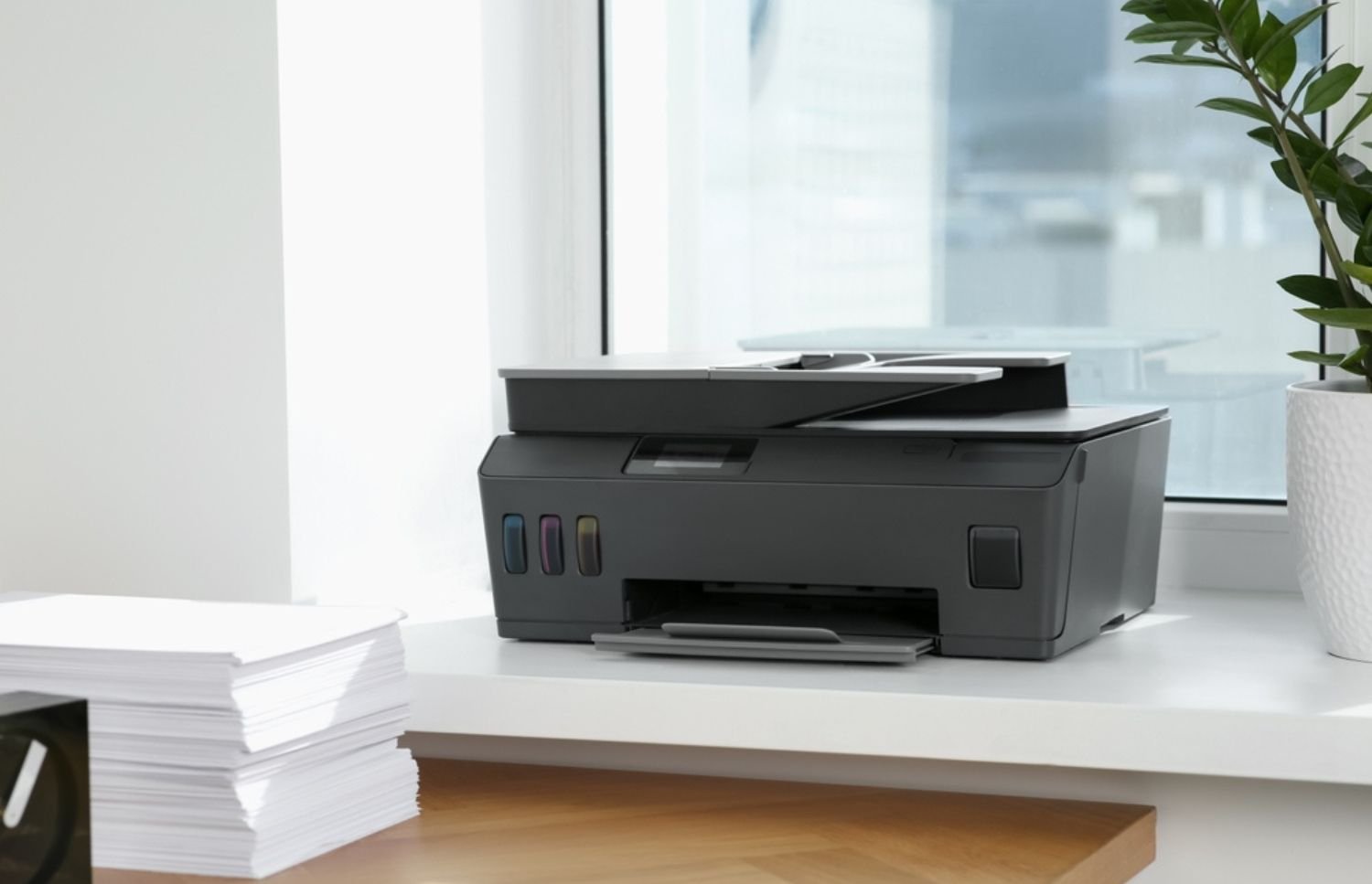
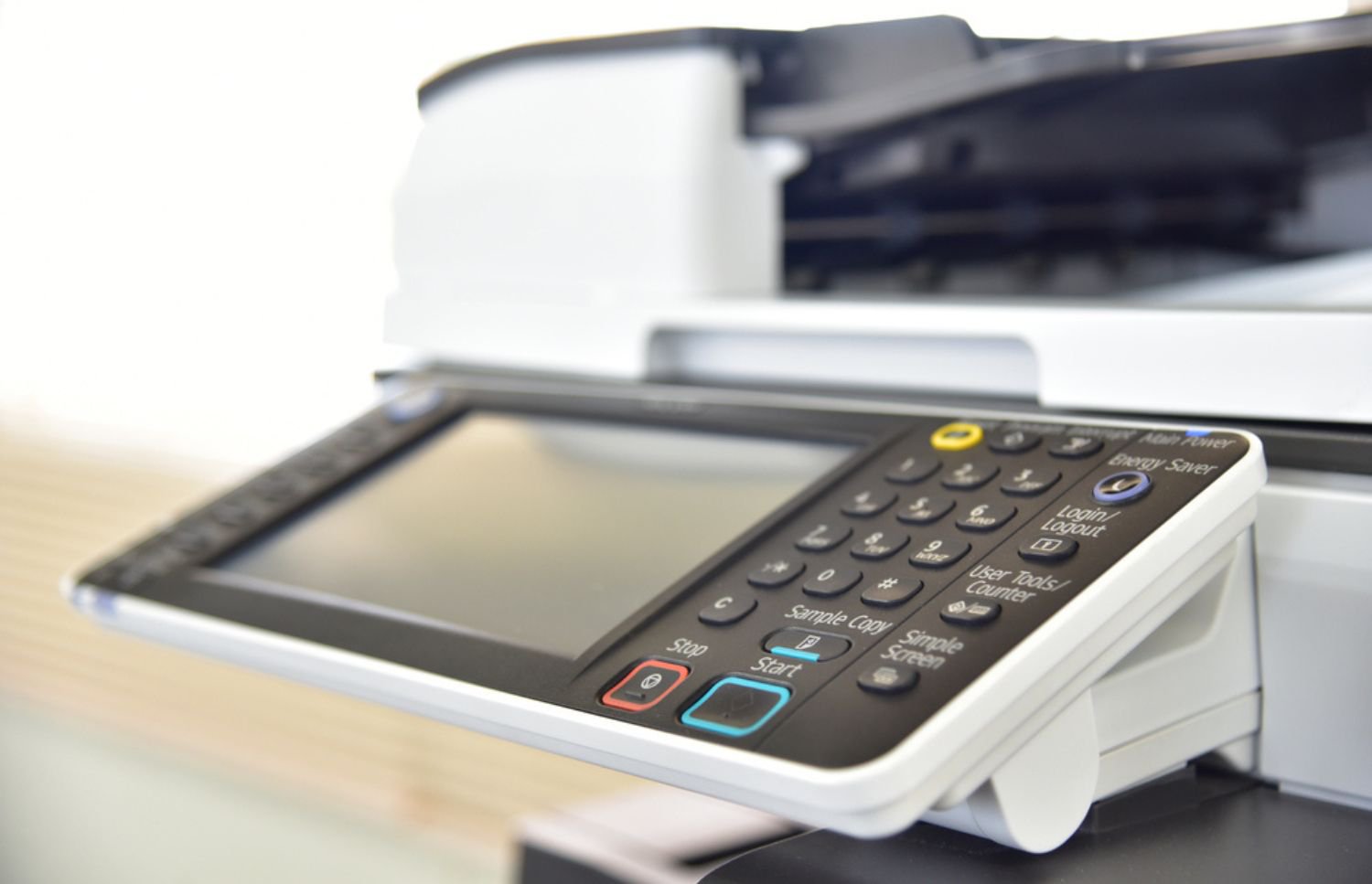
On-Site LaserMedic pairs flexible leasing options with managed print services. This means one team looks after your copier and the services that support it. The company describes managed print services as complete oversight of your print infrastructure. This includes networked laser printers, multifunction copiers, toner replacement and cost tracking.

We start by understanding your print volume, device types and workflow needs. Then we evaluate your current fleet and set up monitoring. Alerts let you know when toner is low, paper needs refilling or service is required.

Our Preventative Printer Maintenance program aims to minimize downtime. For office managers, this means fewer surprise supply orders and emergency calls. It also makes monthly costs easier to predict.

Whichever provider you choose, ask for every included service to be listed in writing.

Get a Free Assessment Before You Sign

If you are comparing offers, we can help you read the terms, match a machine to your print volume, and see how managed print services would fit. Explore managed print services or contact us to schedule a free assessment.