Every growing office reaches a point where desktop printers create workflow bottlenecks. Reliable business copiers keep critical document tasks moving while supporting secure, consistent output. The right equipment reduces breakdowns and helps employees avoid losing valuable work time.
Choosing the right device requires more than comparing the initial purchase price. Long-term planning can prevent toner shortages and reduce pressure on IT teams. Evaluating equipment based on workflow needs helps growing organizations build a dependable printing setup.
Assessing Office Print Capacity and Business Copiers Workload Demands
Determining print volume helps prevent buying equipment that cannot handle your office workload. Count monthly paper orders to estimate usage based on your team’s routine printing needs. Matching machine capacity to staff habits supports reliable performance and fewer equipment problems.
Consider how many employees print large document sets on one machine during busy periods. Heavy simultaneous usage can create long print queues that slow team productivity. Reviewing peak printing hours can help prevent paper jams and delays during important deadlines.
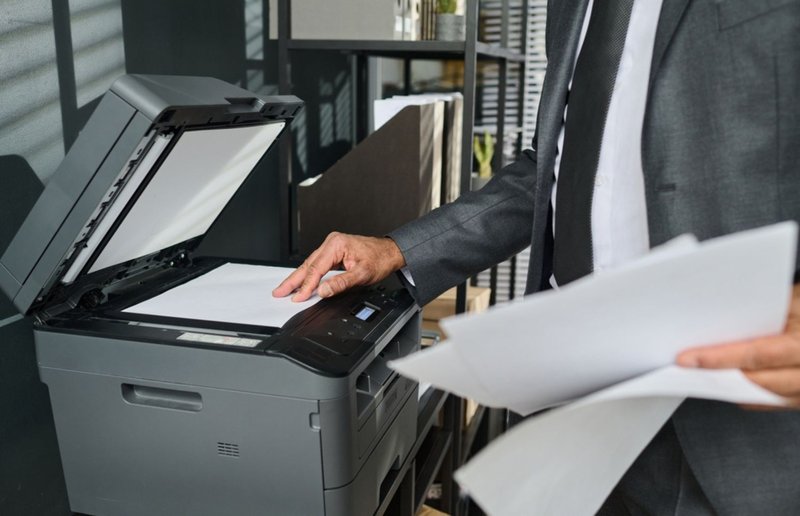
Document types also determine which machine capabilities your team needs. Marketing teams may require crisp color output and paper trays that support heavier cardstock. Understanding the documents your office produces helps you choose features that match your workplace. Reviewing workload demands can show whether heavy-duty business copiers are suited to your operations.
Evaluating Multifunction Features for Modern Digital Workflows
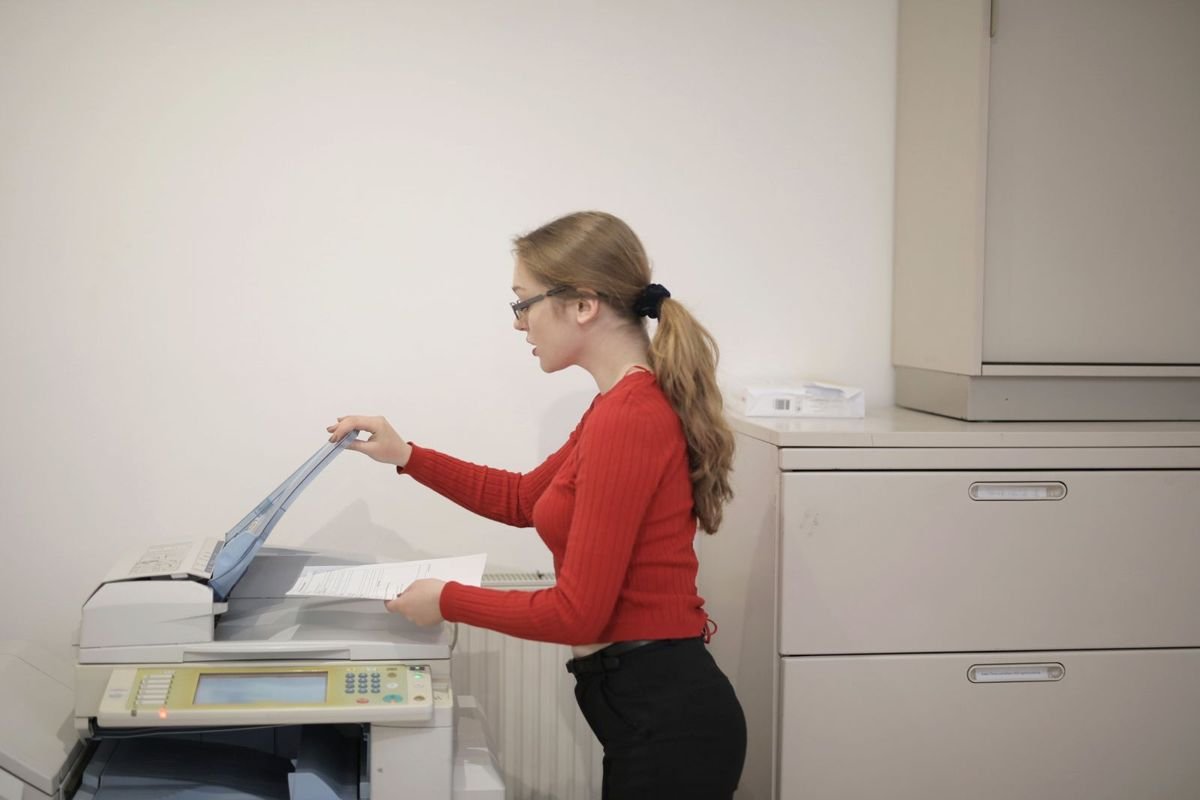
Modern all-in-one machines handle printing, copying, scanning, and stapling within one footprint. High-speed scanning converts stacks of paper records into organized cloud folders. Built-in finishing features, such as automated stapling, simplify the creation of multi-page packets.
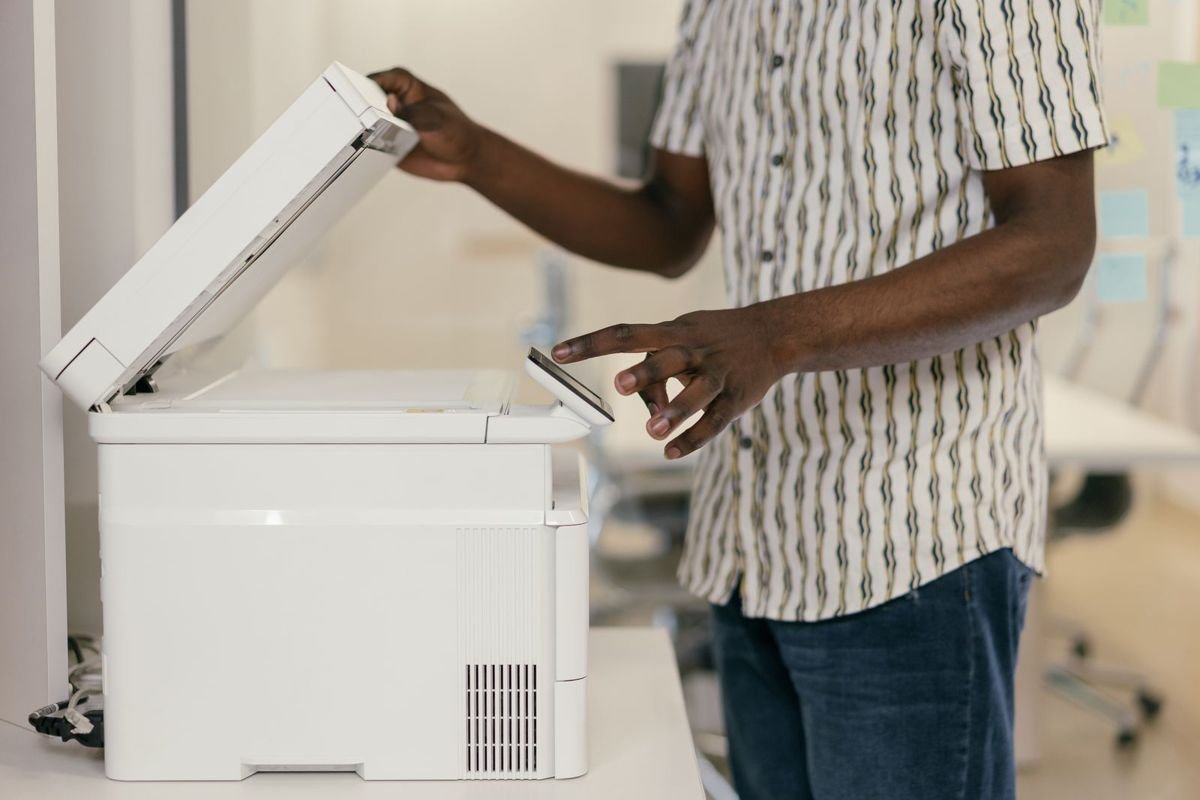
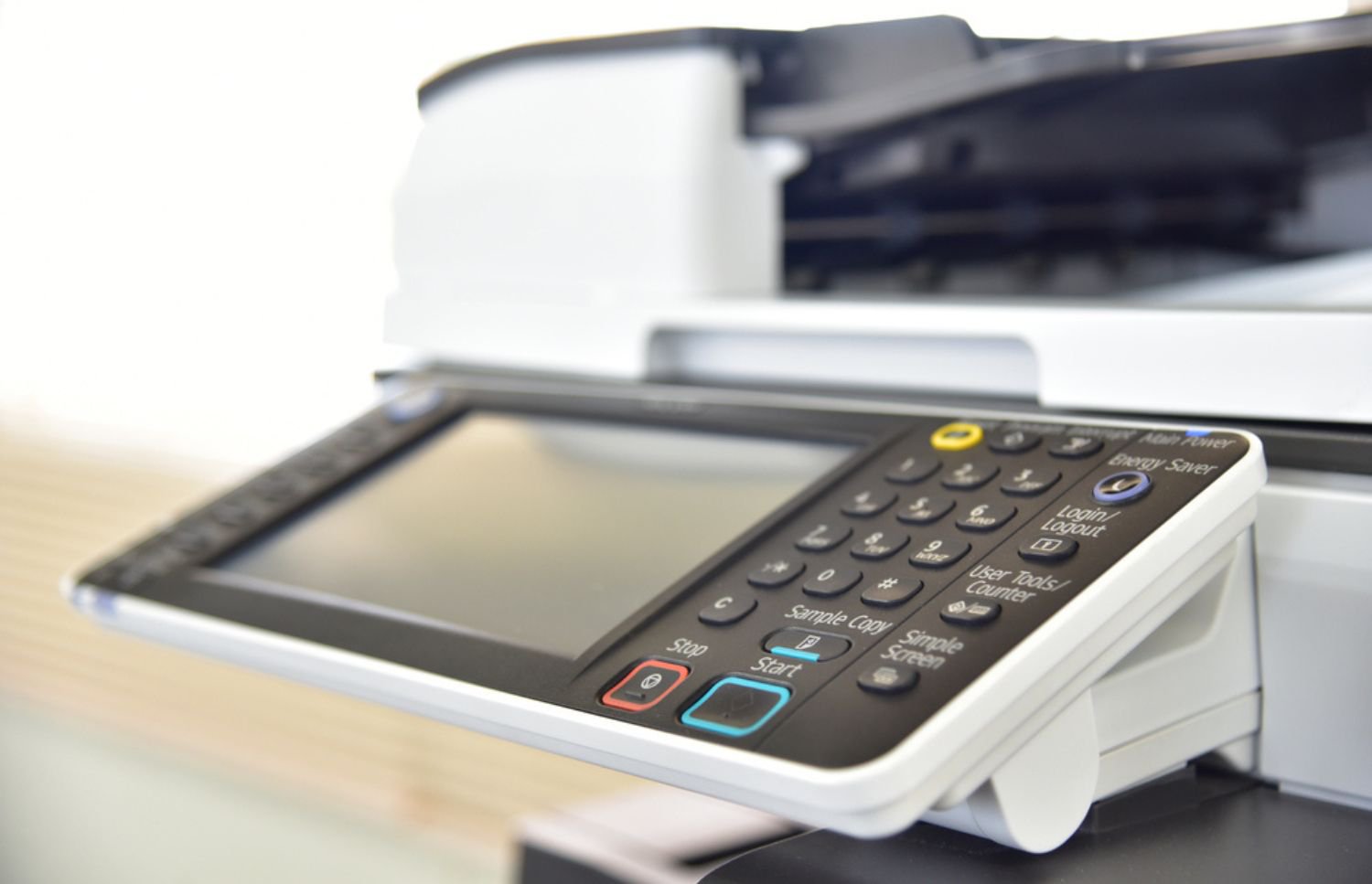
Wireless network connectivity lets mobile workers send print jobs from laptops and other devices. Direct cloud access allows users to scan documents into shared folders without extra steps. Simple touchscreen menus can also reduce user errors and keep routine tasks moving.
Smart system integration can send scanned vendor bills directly to accounting software. This digital workflow reduces manual data entry for busy administrative staff. Modern business copiers can support routine office tasks with software tools that improve document handling.
Understanding Total Cost of Ownership Beyond Purchase Price for Business Copiers
Calculating true operating costs requires looking beyond the initial machine purchase price. Consumables such as replacement toner cartridges, drums, and waste boxes contribute to ongoing expenses. Tracking cost per page gives office managers a clearer picture of printing expenses over time.
Unplanned machine downtime can cause financial losses when urgent projects are delayed. Understanding office equipment maintenance and downtime costs shows how neglected components can lead to costly emergency repairs. Budgeting for preventive service helps keep operating expenses more predictable.
Financial planning can help businesses manage the cost of equipment upgrades. Learning about Section 179 explains the tax deductions available for qualifying machinery purchases. Buying or leasing high-performance business copiers can become more manageable with careful cost planning.
Key Considerations for Choosing Business Copiers
Selecting the right hardware starts with matching current office needs to future growth plans. Reviewing essential features helps ensure the equipment supports different departments for years to come. A careful evaluation can also prevent costly hardware choices that frustrate employees.
Keep these practical features in mind when comparing commercial hardware options:
- Print Speed: Higher pages-per-minute speeds reduce waiting times during busy periods.
- Paper Handling: Larger paper drawers reduce the need for frequent manual tray refills.
- Security Protocols: User login codes help protect sensitive client records from unauthorized access.
- Energy Efficiency: Energy-saving sleep modes can lower electricity costs while supporting sustainability goals.
- Brand Reliability: Established manufacturers offer durable components and accessible replacement parts.
Evaluating these features makes it easier to compare commercial business copiers based on your company’s needs. The right balance supports reliable printing while keeping equipment costs within budget.
Strategic Benefits of Leasing Over Outright Purchasing
Deciding how to pay for hardware can affect your company’s cash reserves. Comparing printer leasing and buying options highlights tax benefits and cash flow considerations for growing companies. Matching payment methods with long-term financial goals helps protect operating capital.
Equipment leases can bundle service visits and supply deliveries into one predictable bill. Fixed monthly payments simplify accounting and reduce the risk of unexpected repair costs. Flexible lease terms can also help offices replace aging hardware with newer equipment.
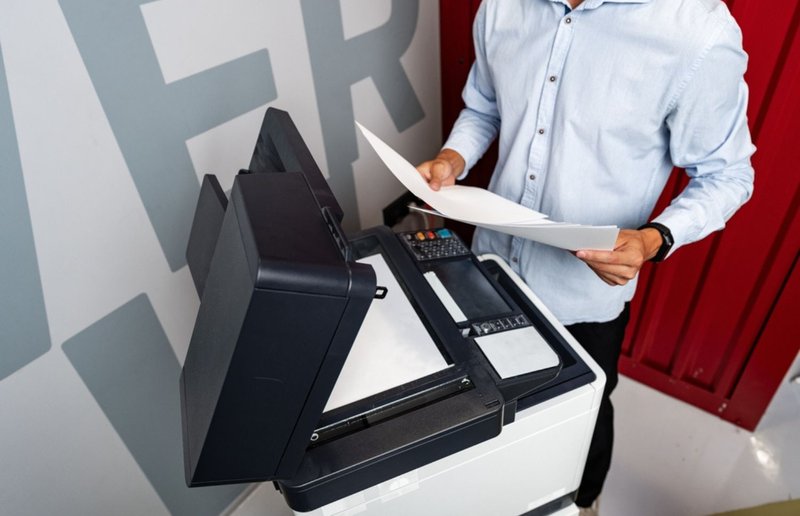
Choosing reliable machine brands helps keep office workflows moving through busy periods. Reviewing top copiers from trusted brands provides options suited to small business needs. Leasing commercial business copiers can support technology upgrades while preserving working capital.
Essential Managed Services for Optimal Hardware Performance
Partnering with local service experts helps keep office equipment reliable throughout its service life. Managed print contracts take routine maintenance off internal IT teams and give technicians responsibility for equipment care. Proactive service plans address component wear before it leads to costly failures.
Key service benefits include these practical advantages for your office:
- Preventive Inspections: Scheduled technician tune-ups address mechanical wear before it develops into major equipment problems.
- Automated Deliveries: Remote monitoring tracks toner levels and helps ensure replacement cartridges arrive before supplies run out.
- Rapid Diagnostics: On-site service calls resolve paper jams and other equipment issues so staff can return to work.
- Workflow Audit: Fleet reviews identify underused printers and improve machine placement across office floors.
- Cost Predictability: Single monthly invoices make equipment service costs easier to track and manage.
Professional fleet management can extend hardware life and control operating expenses for business copiers. Working with experienced technicians keeps office equipment ready for essential printing needs.
Maximizing Reliability with On-Site LaserMedic Support
Regular technician maintenance keeps complex mechanical parts running smoothly and reduces the risk of sudden hardware breakdowns. Routine field service visits can identify worn rollers before they cause major jams or disrupt productivity. Professional monitoring helps replace emergency repairs with a more predictable maintenance routine.
On-Site LaserMedic helps organizations manage business copiers through leasing, repairs, and ongoing support. Experienced service technicians provide maintenance coverage based on your office’s equipment and workflow needs. Connect with On-Site LaserMedic to discuss your printer needs with an expert.