
Growing a company is exciting right up until three new hires show up and there's nowhere to seat them. Most teams buy equipment in a panic, one crisis at a time, which is how an office ends up with four printer brands and a drawer of chargers that fit nothing. A working office equipment list keeps that from happening.
The point isn't to own every gadget on the market. It's knowing what you'll need before you need it, so adding people feels routine instead of frantic. The categories below cover the gear that actually carries the weight as you scale.
Foundational Workstation Gear for Your Office Equipment List
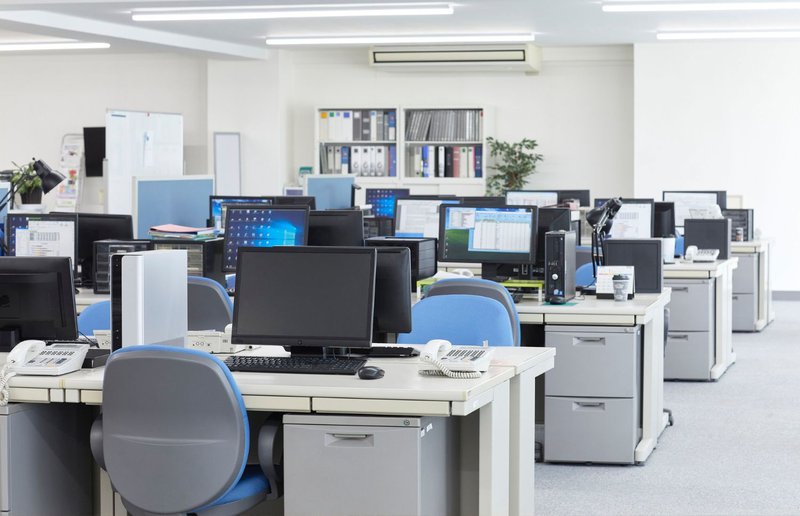
Nobody does good work from a folding table and a borrowed laptop. New hires need a real setup ready on day one, and standardizing those setups makes life easier for whoever handles support down the line.
Here's what's worth buying the same way every time:
- Sit-stand desks. Adjustable height saves your team from eight straight hours in one position.
- Ergonomic chairs. The cheap ones cost more in the long run, usually in sore backs and complaints.
- Business-grade laptops or desktops. Consumer models choke under real workloads. Spec for the job.
- Dual monitors and arms. Two screens beat one for almost anyone who touches a spreadsheet.
- Docking stations. Hybrid staff plug in, unplug, and move without hunting for cables.
- Decent keyboards and mice. Small thing, but they outlast the bargain versions by years.
Buy identical models in bulk, and onboarding gets faster because every desk behaves the same way. It also keeps repairs simple, since IT only has to learn a handful of devices.
Networking Hardware That Keeps an Expanding Team Connected
Connectivity gets harder to manage with every device you plug in, and security gets harder right alongside it. 43% of cyberattacks now target small businesses, and most of those companies assumed they were too small to bother with. Bdemerson
A network that holds up under growth usually comes down to five things:
- Business-class routers. Built to push heavy traffic across a full team without choking.
- Managed switches. Let IT control and segment wired connections instead of guessing.
- Wireless access points. New square footage needs coverage that doesn't die in the back corner.
- Hardware firewalls. Your first real line of defense, filtering threats before they reach anything.
- Network-attached storage. One secure home for shared files, reachable by the whole team.
Spend the money on commercial gear here. Consumer hardware looks cheaper today and turns into expensive rework the moment you outgrow it.

Communication and Collaboration Tools
Hybrid teams live or die by clean audio and a meeting setup that just works. A garbled conference call in front of a client does real damage, even when nobody says so out loud.
Cover both the shared rooms and the individual desks:
- VoIP desk phones. Add or move lines without an electrician or a rewiring bill.
- Conference room cameras. Remote colleagues should come through clearly, not as a frozen blur.
- USB speakerphones. Often, the cheapest fix for a huddle room with bad audio.
- Noise-canceling headsets. Open floors are loud. Headsets keep calls private and focused.
- Interactive displays. A shared screen people can actually draw on beats a dusty whiteboard.
Pick a phone system that scales, so adding ten people doesn't mean ripping out the platform. Good tools make distance feel like a minor detail.
Document and Print Equipment on Your Office Equipment List
A single desktop printer falls apart fast once a whole department leans on it. The costs pile up quietly, too. Gartner estimates printing eats up 1 to 3 percent of a company's annual revenue. Paper-heavy fields like legal, medical, and real estate feel it first, which is exactly where high-volume printers earn their place.
Size this hardware for the volume you actually push:
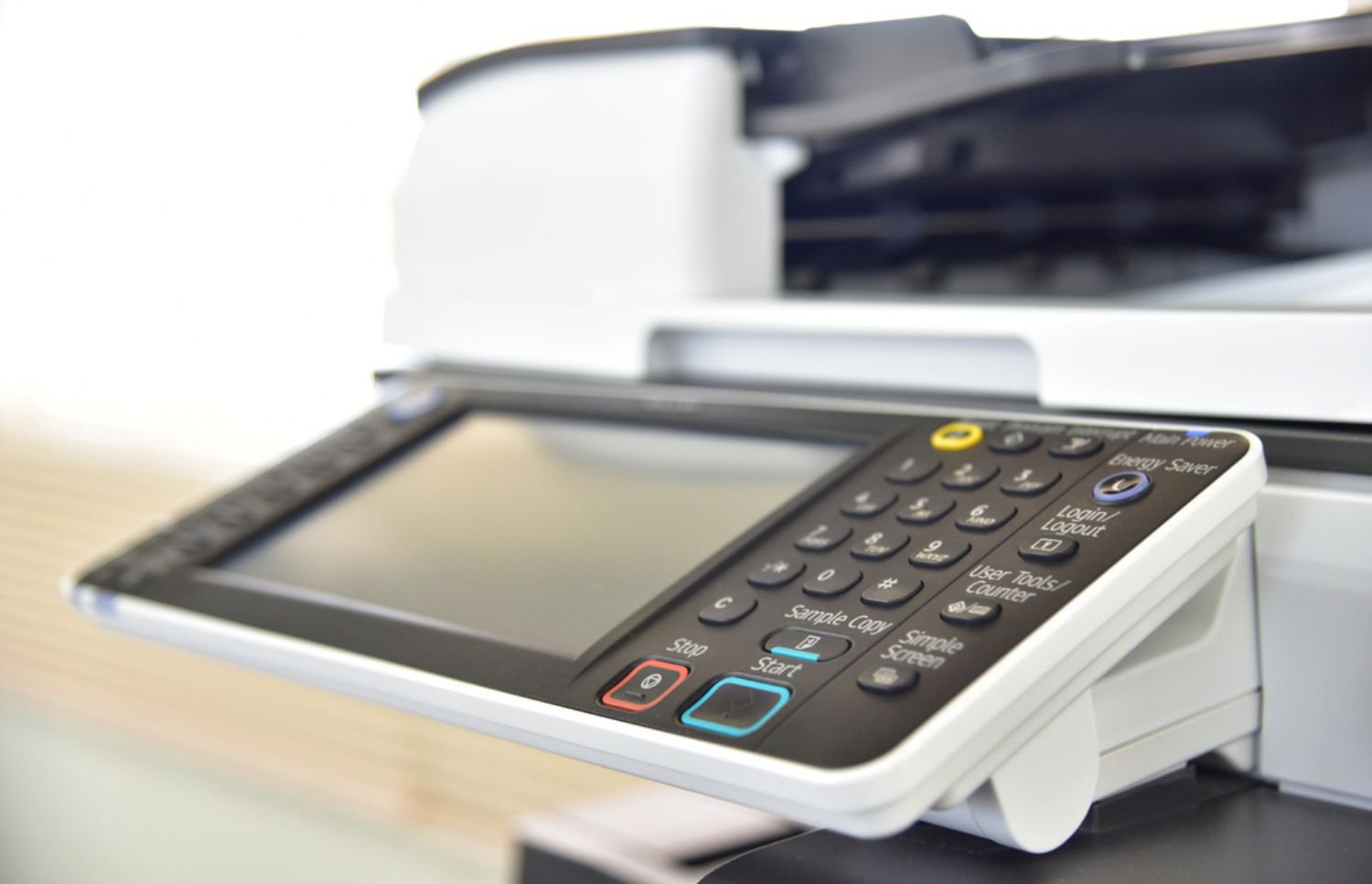
- Multifunction printers. Print, scan, copy, and fax from one machine instead of four.
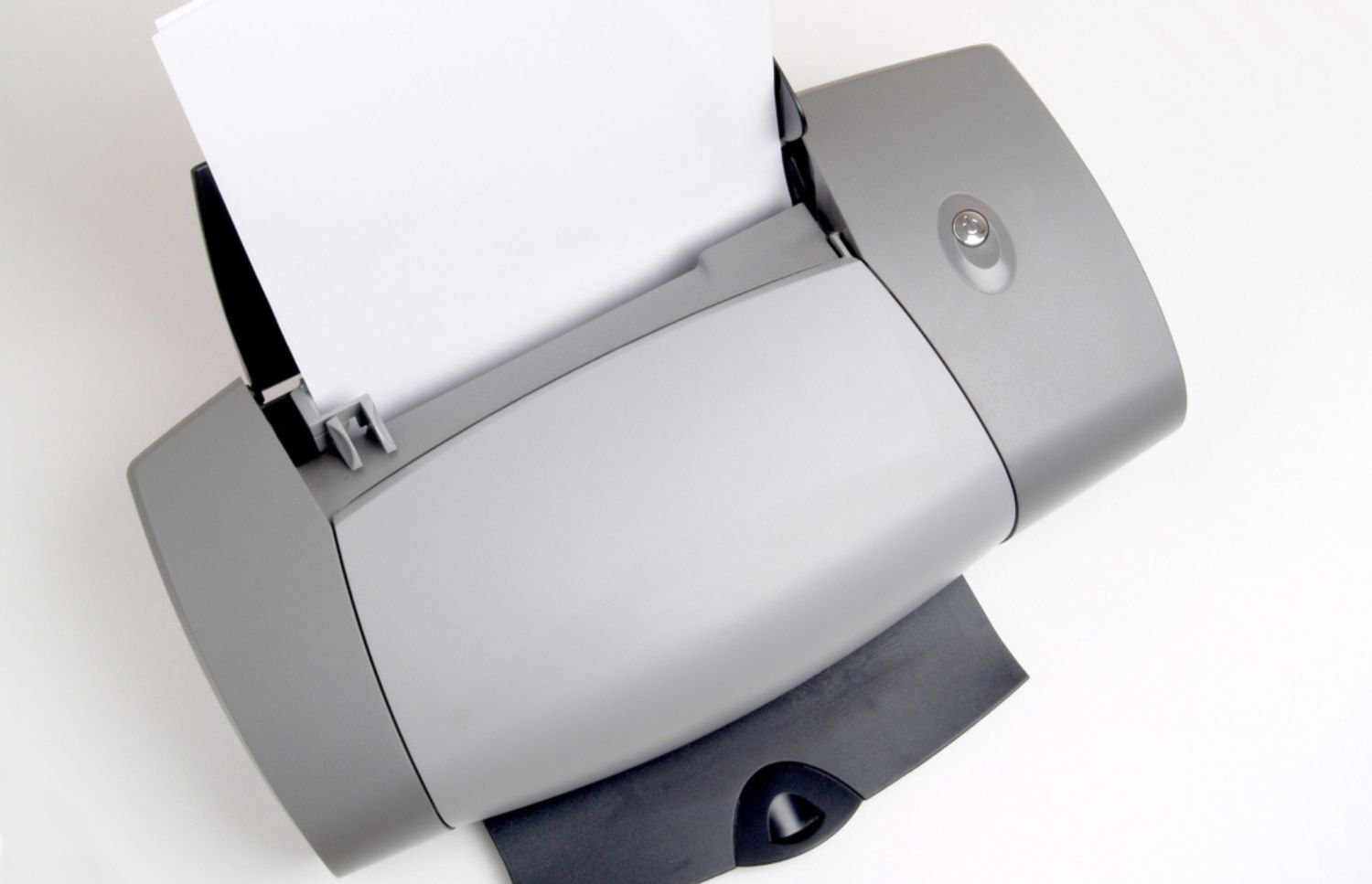
- Departmental laser printers. Cheap per page and built for high black-and-white volume.
- Document scanners. Turn the paper mountain into searchable digital files.
- Label printers. Shipping, filing, and inventory all move faster with them.
- Cross-cut shredders. Confidential records should be left as confetti, not whole pages.
- Finishing units. Staple, sort, and bind so client documents look the part.
Hardware is only part of it. Knowing when to run collated versus uncollated jobs saves paper and the time spent sorting by hand, and scanning into an electronic document management system means files surface in seconds instead of a filing cabinet. Match the device to the workload, and you avoid both the bottlenecks and the wasted spend. The box is the easy part, though. The real costs hide in everything that happens after you plug it in.
Power, Storage, and Security Essentials
A thorough office equipment list ends with the unglamorous stuff that protects everything else. Bigger offices carry more risk when power, data, or physical access goes unmanaged.
Round things out with the safeguards nobody thinks about until they need them:
- Uninterruptible power supplies. Keep critical machines alive through a quick outage.
- Surge protectors. A few dollars against a voltage spike that fries a server.
- On-site servers or NAS. Growing data needs a home that's secure and close by.
- Surveillance cameras. Eyes on entrances, server rooms, and the gear worth stealing.
- Badge access systems. Sensitive areas stay limited to the people who belong there.
- Lockable cabinets. Somewhere safe for supplies, devices, and the paperwork you can't lose.
None of this feels urgent until the day it suddenly is. Skipping it almost always costs more than the prevention would have.
Why Your Print Fleet Needs a Management Strategy
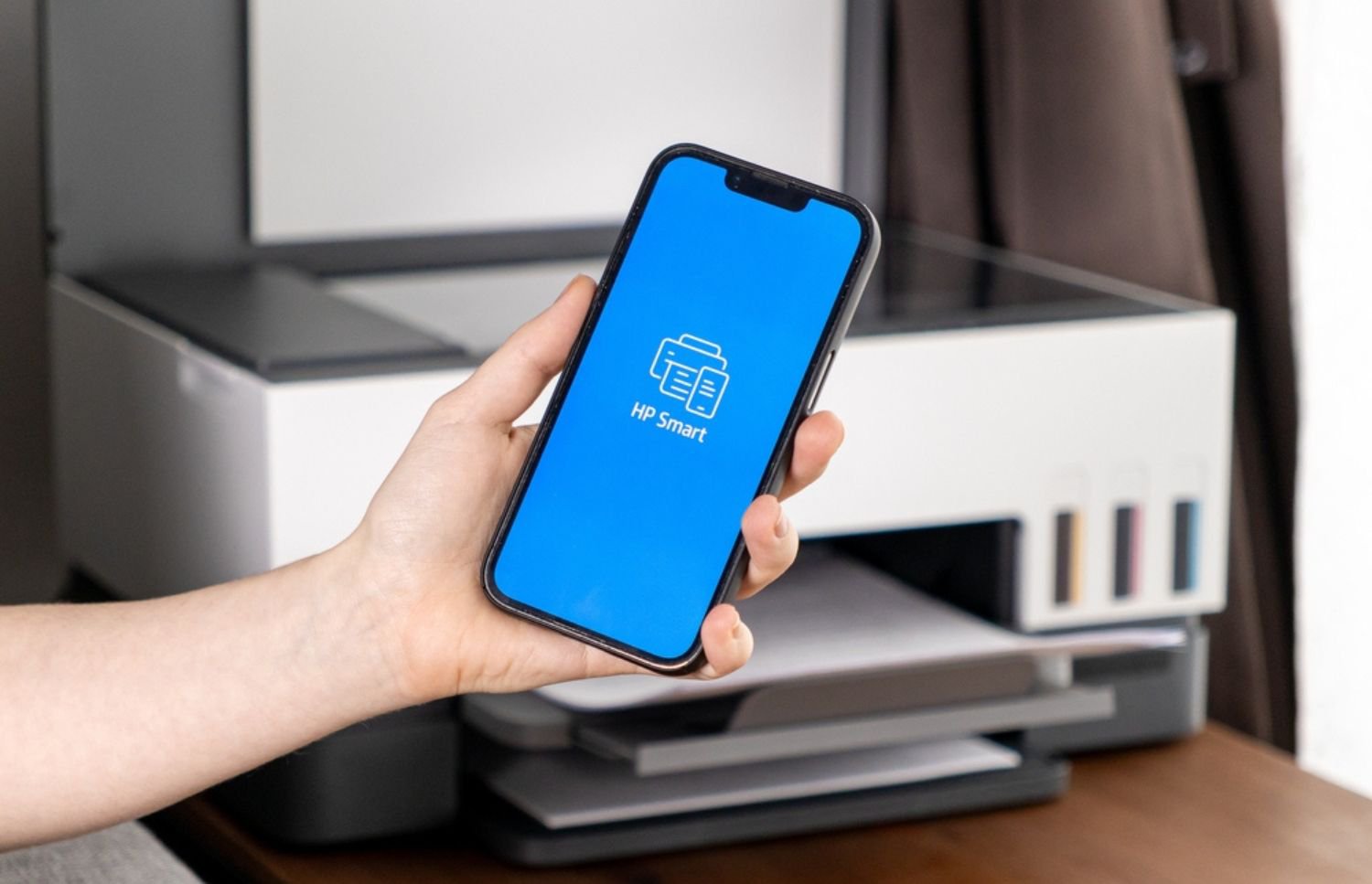
Buying the right printers only solves half the problem. The other half is everything after the purchase: toner running dry mid-deadline, repairs, tracking who's printing what. Those small jobs eat hours your staff doesn't have, and a jammed machine usually drags IT away from real work.
That's the gap managed print services fill. A provider watches usage, reorders supplies before you run out, and services the fleet before it breaks instead of after. Gartner puts the potential savings as high as 30 percent, which is real money for a company that's still hiring. How you pay for the hardware matters too, since qualifying copiers and printers can often be written off through Section 179.
There's a security angle, too. A managed fleet locks down documents across every department and device, not just the printer by the front desk. Handled well, print stops being a daily headache and turns into one less thing to think about.
Turning Your Equipment Plan Into Something That Lasts
Smart equipment choices give a growing business room to scale without the chaos that usually comes with it. Every category here supports more people, more space, and the heavier days that follow. Of all of them, print tends to hide the most cost and offer the most room to improve.
That's where On-Site LaserMedic comes in. Their technicians handle the maintenance, supplies, leasing, and workflow so your team can stay on the actual work. When you're ready to fold print into the bigger plan, contact On-Site LaserMedic for an assessment built around your setup.