
How do you empower a team that works from anywhere, without compromising productivity, document access, or data security? For many businesses embracing flexible work models, the answer lies in mobile printing solutions.
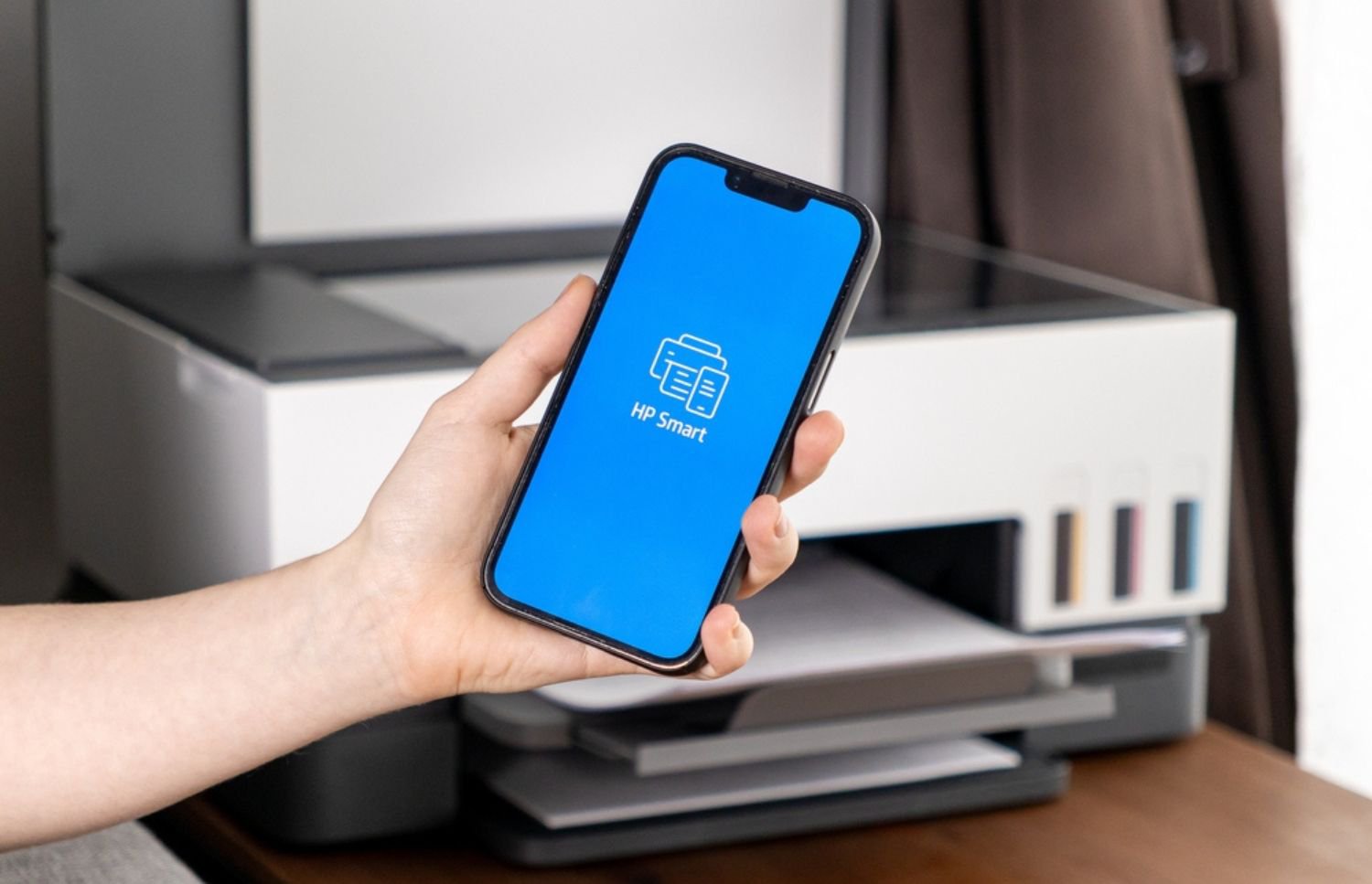
Mobile printing solutions give remote and hybrid teams the ability to print from virtually any device, regardless of location. Whether it’s an employee working from home or a traveling team member needing to print at a client’s office, mobile printing offers seamless access to company printers through secure cloud-based or wireless technology.
But what makes mobile printing truly valuable isn't just convenience—it’s how it reinforces collaboration, ensures continuity, and complements the evolving demands of a distributed workforce. Let’s explore how mobile printing solutions can reshape the way teams work and how to implement them effectively.
Why Mobile Printing Matters for Remote Teams
Without physical access to the office, remote employees often face roadblocks when they need to print critical documents. Mobile printing solutions remove those limitations. When configured properly, they let team members print to shared office printers or designated locations with just a few clicks, regardless of where they're logging in from.

For teams spread across different time zones or regions, this means less back-and-forth and fewer delays. It also means teams can stay aligned even when handling sensitive or hard-copy documents. In regulated industries or document-heavy roles, this kind of access can make a measurable difference in efficiency.
Security, too, plays a major role. Mobile printing doesn't mean sacrificing control. With today’s solutions, administrators can enforce access rules, monitor activity, and ensure that only authorized users can print certain types of documents, providing both flexibility and peace of mind.
How Hybrid Workforces Benefit from Mobile Printing Solutions
Hybrid work environments introduce another layer of complexity. Staff might alternate between office and home setups, which makes centralized printing models harder to manage. Mobile printing bridges that gap by giving everyone equal access to core resources, without forcing them to adapt to clunky workflows.
When employees return to the office, they can pick up documents they sent remotely. When they're working from home, they can access office printers securely or route jobs to nearby locations that support mobile printing. This kind of fluidity minimizes disruptions and supports the kind of agile work habits modern organizations need.
Another benefit is reduced reliance on IT support. With mobile printing, employees don’t need to install dozens of printer drivers or worry about compatibility. Most modern solutions offer platform-agnostic support, allowing users to print from smartphones, tablets, laptops, or desktops with ease. For organizations managing hundreds of users, that’s a major boost to efficiency—and a relief for IT teams.
How to Get Started with Mobile Printing Solutions
Implementing mobile printing doesn’t have to be complicated, but it does require thoughtful planning. Start by evaluating your existing print infrastructure. Are your current printers and multifunction devices mobile-compatible? If not, it might be time for a hardware refresh—or at least a firmware update.
Next, define the access levels and print permissions your organization needs. For example, who should be allowed to print from home to the office? Do certain departments require more secure document handling? Answering these questions early on helps reduce compliance risks and optimize costs.

Cloud-based print management platforms are usually the backbone of mobile printing solutions. These platforms enable centralized oversight, usage tracking, and integration with authentication systems like badge readers or single sign-on. Many also allow for mobile release, so a user can send a document to print and then release it at the device using a code or app.
However, navigating device compatibility, security protocols, and usage policies can quickly get overwhelming without the right expertise. That’s why many organizations partner with a managed print services provider to guide the process, configure the right tools, and ensure seamless implementation.
Why Partnering with a Managed Print Services Provider Makes a Difference
Mobile printing is more than just a convenience feature—it’s a strategic component of modern work infrastructure. But integrating it successfully requires more than installing a few apps or connecting printers to Wi-Fi. Without expert guidance, teams risk inconsistent performance, compliance oversights, and unnecessary expenses.
A trusted managed print services provider can assess your fleet, recommend mobile-compatible upgrades, and implement secure cloud printing protocols customized to your business. They also provide ongoing support, so your IT team can focus on bigger priorities. From driverless printing to remote job release and analytics dashboards, a well-implemented solution turns mobile printing into a long-term asset, not just a short-term fix.
At Onsite Laser Medic, we help organizations optimize their print environments with proactive maintenance, device lifecycle planning, and tailored mobile printing strategies. Our deep expertise with enterprise-level print fleets ensures a smooth transition to mobile capabilities that actually work the way your team does—remotely, securely, and without friction.
Contact Onsite Laser Medic today to future-proof your print infrastructure and unlock the full potential of mobile printing solutions.