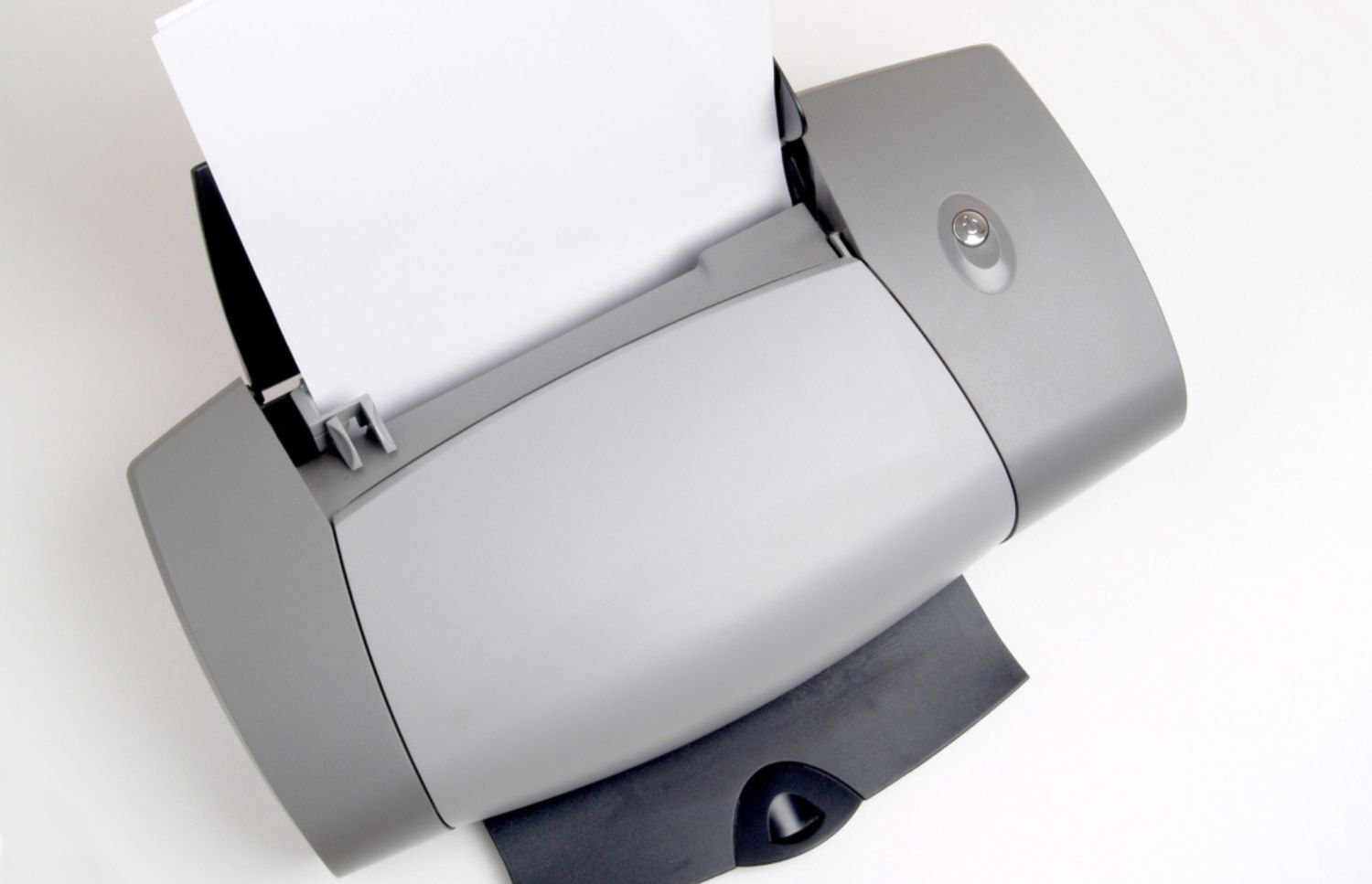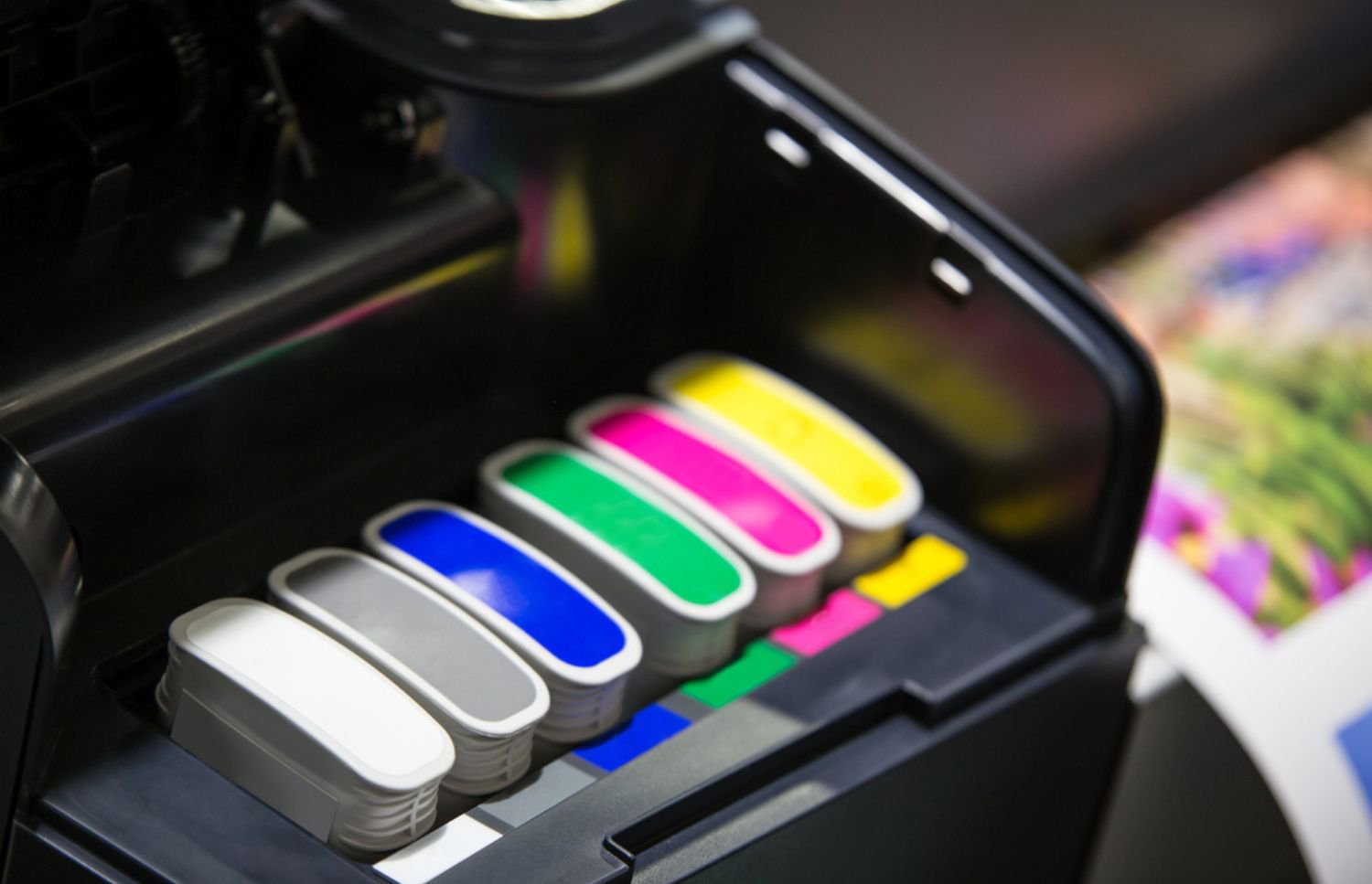
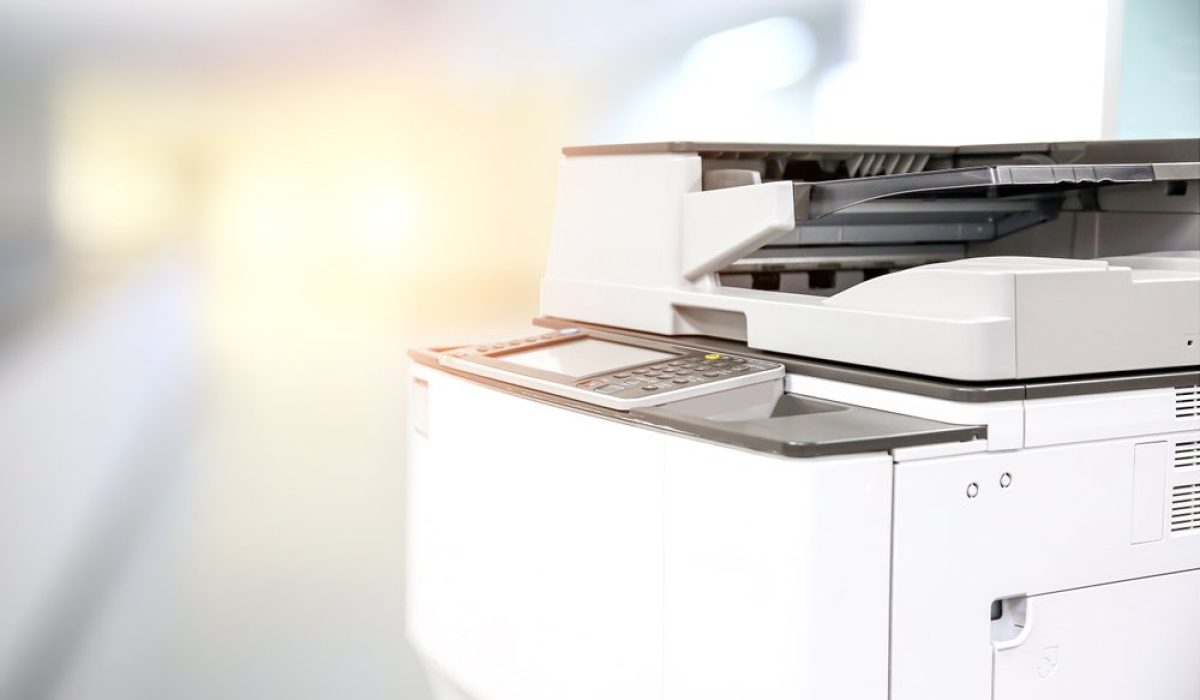
Selecting the best commercial printers ensures smooth daily operations across busy offices. Many teams struggle when devices cannot handle consistent heavy printing demands. Reliable printers reduce downtime while improving workflow efficiency and controlling costs.
Ignoring workload, security, and connectivity challenges causes delays and extra costs. Careful evaluation of printer features prevents service calls or supply shortages. Businesses that choose wisely gain better performance, higher productivity, and less frustration.
What Defines Commercial-Grade Printers
Commercial printers differ significantly from consumer and light office machines. They are designed for high duty cycles and thousands of pages monthly. Robust hardware ensures the best commercial printers endure constant, heavy use reliably.
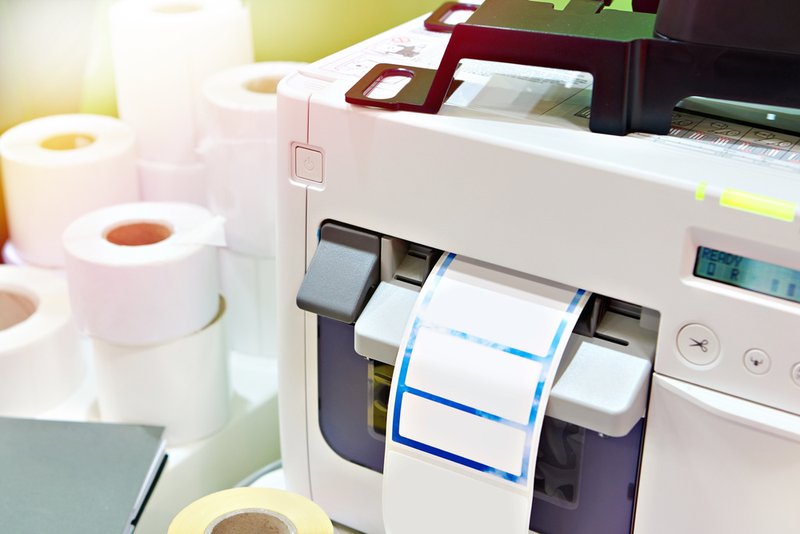
These printers include strong security for networks and documents. Encrypted printing, secure release, and user authentication protect company data. Centralized tools let administrators monitor the best commercial printers proactively.
Modular upgrades and expanded paper capacity let devices grow with business needs. Integration with electronic document management systems improves scanning, archiving, and workflow. Durability, scalability, and security set commercial printers apart from standard office models.
Essential Considerations Before Buying
Evaluating printers carefully ensures devices match workflow requirements. Poorly chosen models often cause downtime and higher operating costs. Understanding performance, security, and connectivity prevents costly surprises later.
Before making a decision, consider these critical features:
- Monthly duty cycle: Ensure devices handle your expected printing volumes reliably.
- Security features: Look for encrypted printing, secure release, and user authentication.
- Connectivity options: Check for wireless, network, and cloud printing compatibility.
- Workflow integration: Devices that integrate with document management improve efficiency.
- Consumable costs: Evaluate toner, ink, and long-term maintenance expenses carefully.
Selecting these features improves productivity and reduces service costs. Interruptions are minimized when devices meet workflow requirements consistently. Understanding these aspects ensures confident decisions about the best commercial printers.
Best Commercial Printers by Business Size
Small offices often need multifunction models that balance cost and performance. Budget-conscious teams may choose economical printers for reliable output without overspending. These units handle scanning, copying, and wireless printing efficiently.
Mid-sized teams often benefit from mid-range Brother and Canon printers known for their reliability. The Brother MFC-L8900CDW offers affordable color and black printing, while Canon imageCLASS models provide added scanning and workflow flexibility, making them excellent choices for commercial use.
Large enterprises require high-volume devices for continuous output. High-volume printers manage tens of thousands of pages each month reliably. Wide-format printers like Canon imagePROGRAF complete the selection of best commercial printers.
Leading Printer Brands and Popular Models
Top brands provide unique strengths for various workloads and offices. Comparing reliability, speed, and costs prevents expensive mistakes. Choosing the best commercial printers ensures long-term efficiency and uptime.
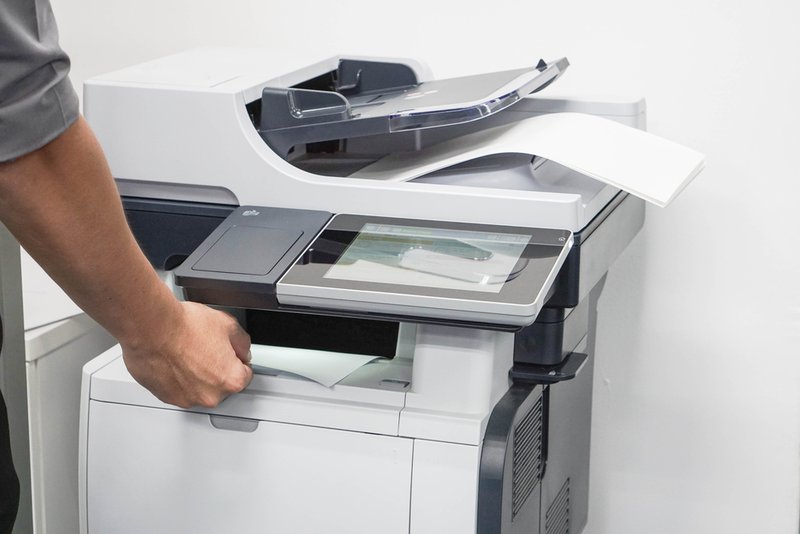
The most popular commercial printers include these trusted options:
- HP LaserJet Enterprise: High-volume performance with advanced security and network features.
- Brother MFC-L8900CDW: Cost-efficient color and black printing with low per-page costs.
- Canon imageRUNNER: Multifunction capabilities with robust scanning and document management.
- Epson Work Force Pro: Eco-friendly, precise ink output with large ink reservoir systems.
- Lexmark CX820: Fast, scalable color printing suitable for medium to large teams.
Selecting printers from these brands ensures devices integrate seamlessly with managed print services for optimized uptime. These models consistently meet demanding workloads while supporting long-term operational efficiency. Careful evaluation helps businesses identify the best devices for their printing needs.
Balancing Growth Plans and Long-Term Costs
Planning ahead ensures the best commercial printers meet current needs. Additionally, these devices handle future growth without costly replacements. Devices with scalable paper capacity also prevent frequent downtime and delays.
Moreover, remote monitoring and automated supply ordering improve efficiency significantly. Considering long-term costs, including toner, energy, and maintenance, reduces surprises. High-efficiency devices cut power while sustaining professional-quality output consistently.
Predicting growth helps avoid selecting obsolete equipment too early. Furthermore, integrating printers into workflows enhances document management productivity. Regular maintenance ensures the best commercial printers run smoothly and reliably.
Printer Choices That Support Business Efficiency
Careful evaluation helps managers confidently choose the best commercial printers.
Reliable devices reduce downtime, lower costs, and improve overall operational performance.
Investing time in selecting the right printer enhances productivity and workflow efficiency.
Prioritizing maintenance, fleet management, and growth-aligned devices strengthens long-term strategy. Businesses benefit from predictable printing costs and fewer disruptions across departments. For personalized guidance, contact On-Site LaserMedic to optimize printer selection and support.