Choosing the right printer paper improves workflow and prevents printing errors. Selecting correct sizes also reduces wasted supplies and unexpected downtime. Consequently, employees complete tasks faster when printers are preloaded correctly.
Understanding paper sizes helps businesses avoid formatting issues and misaligned documents. Efficient printing supports productivity, especially during high-volume periods. As a result, teams benefit from knowing standard dimensions before sending jobs.
Standard North American Paper Sizes and Uses
Letter size paper measures 8.5 by 11 inches and suits daily office documents. Printer paper in this format handles reports, memos, and internal communications reliably. Defaulting printers to Letter reduces errors and avoids unnecessary reprints.
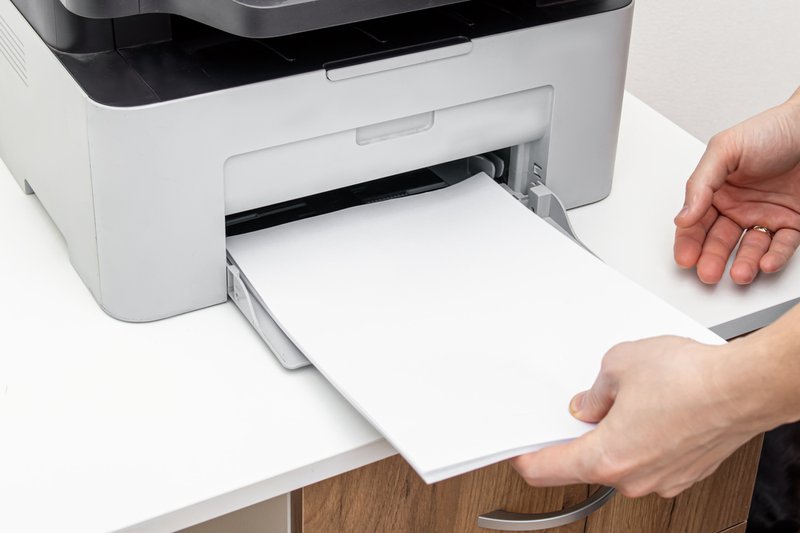
Here are the most common North American paper sizes and their primary uses:
- Letter (8.5 x 11 inches): Ideal for reports, memos, and general office documents.
- Legal (8.5 x 14 inches): Suited for contracts, agreements, and forms requiring extra length.
- Tabloid / Ledger (11 x 17 inches): Best for spreadsheets, charts, and small posters.
- Executive (7.25 x 10.5 inches): Common for personal letters or internal communications.
- Statement (5.5 x 8.5 inches): Often used for invoices, statements, and small handouts.
Choosing the correct printer paper size reduces misfeeds, wasted supplies, and unnecessary reprints. Correct tray configuration ensures smooth daily operations in busy offices. Businesses can also explore new printer technologies to optimize ink and paper efficiency.
International Paper Sizes Like A4 and Beyond
ISO 216 paper standards are widely used outside North America for business documents. A-series sizes maintain consistent aspect ratios, making them scalable without distortion. Understanding these formats helps teams print internationally without formatting errors.
Here are the common international paper sizes and their typical uses:
- A4 (210 x 297 mm): Standard size for letters, invoices, and official correspondence.
- A3 (297 x 420 mm): Ideal for charts, presentations, and large spreadsheets.
- A5 (148 x 210 mm): Compact size for booklets, brochures, and handouts.
- A6 (105 x 148 mm): Often used for postcards, invitations, and small marketing pieces.
- B5 (176 x 250 mm): Suited for publications, reports, or documents requiring larger space than A5.
Using correct printer paper sizes for international standards keeps margins consistent. It also prevents content from being cut off or truncated. Businesses managing multiple formats can integrate document management solutions for smoother operations.
Specialty Paper Sizes for Marketing and Production
Marketing and production materials often require nonstandard paper sizes to achieve impact. Large or custom sheets allow visual content to remain professional and readable. Planning these sizes proactively prevents workflow interruptions and reduces outsourcing costs.
Common specialty paper sizes include the following:
- Custom large-format: Supports banners, posters, and signage for marketing events.
- Envelope sizes (C-series): Fit folded A-series documents for mailings and campaigns.
- Photo paper: Used for client presentations, brochures, or high-resolution marketing materials.
- Label stock: Ideal for packaging, organizational systems, or product labeling.
- Card stock / specialty finishes: Adds durability and professional feel to invitations or promotions.
Managing specialty printer paper efficiently helps maintain print quality and avoid downtime. Configuring trays and settings ensures correct output for all projects. Teams can also benefit from double-sided printing guides to optimize paper use and reduce waste.
Tips for Printer Configuration and Paper Size Handling
Configuring trays with correct printer paper prevents frequent misfeeds and print errors. Checking device settings before high-volume days avoids workflow interruptions. Employees save time when drivers match intended paper dimensions.
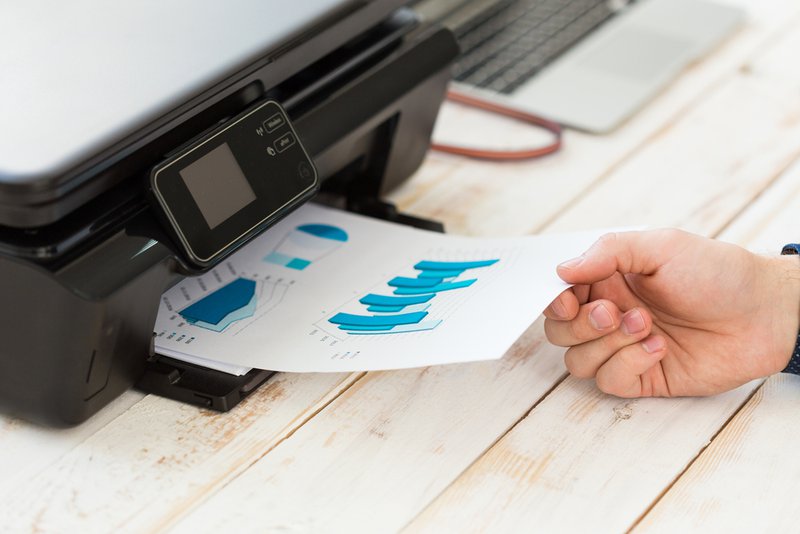
Labeling trays for Letter, Legal, or specialty sizes helps staff navigate. Hybrid offices with multiple formats benefit from clear, standardized configurations. Regular audits of printers support smoother operations and prevent downtime.
Automatic duplex printing requires appropriate paper and tray setup for quality. Adjusting guides for weights and thickness reduces misfeeds and misaligned pages. Companies can also use managed print services to oversee configurations and supplies across multiple devices.
Streamlining Printer Paper Workflows and Support Services
Paper mismatches often cause downtime, errors, and wasted supplies. Additionally, coordinating paper standards with maintenance routines improves efficiency. Consequently, workflows run smoother and reduce staff frustration.
Training teams to check trays, drivers, and paper compatibility prevents stoppages. During high-volume periods, standardized setups avoid repeated mistakes. Maintaining organized paper stocks supports seamless operations across departments.
Expert technicians configure printers and optimize supply management effectively. For guidance on handling multiple sizes and improving workflow, businesses can seek professional support. This approach ensures reliable performance and consistent results for all printing tasks.
Optimizing Printer Paper Choices for Consistent Results
Selecting the correct printer paper improves document quality and reduces wasted resources. Well-configured trays and drivers streamline printing for daily office operations. Teams save time and maintain efficiency during high-volume printing periods.
Understanding regional, international, and specialty paper formats prevents misalignment and content errors. Expert support ensures smooth workflow, fewer interruptions, and consistent output quality. Contact On-Site LaserMedic to optimize your print infrastructure and maintain reliable performance.