
Mobile printing solutions have quickly become essential for businesses adapting to remote and hybrid work environments. These solutions allow employees to print directly from smartphones, tablets, or laptops without relying on traditional network connections. Consequently, understanding how mobile printing solutions support productivity while maintaining data security helps organizations implement efficient workflows suited to today’s flexible workplaces.
Ensuring secure and reliable printing means considering authentication methods, cloud integration, and device compatibility. Additionally, companies that optimize their print infrastructure can reduce downtime and minimize IT challenges. With the right approach, printing systems enhance convenience without compromising sensitive information.
What Are Mobile Printing Solutions and Why Do They Matter?
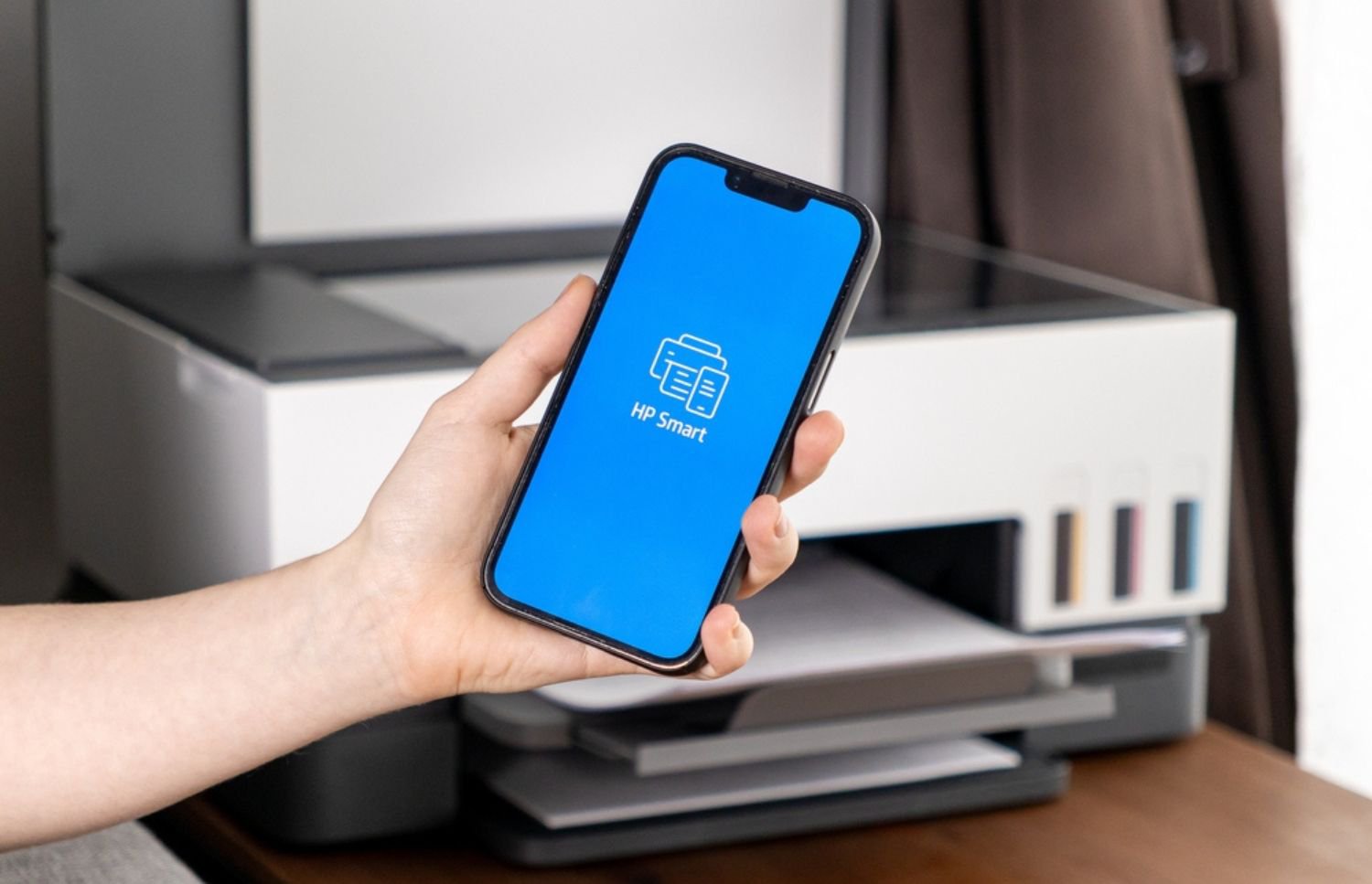
Mobile printing solutions enable users to send print jobs from any device, often without needing a wired connection. This technology supports various platforms such as iOS, Android, and Windows, making it accessible for most employees. Therefore, allowing printing from mobile devices addresses the growing need for flexibility in how and where people work.
Remote and hybrid teams benefit from mobile printing by removing location restrictions. Instead of needing to be physically near a specific printer, employees can send documents securely from home, a coffee shop, or any remote location. As a result, this reduces delays and improves workflow continuity, which is critical during busy business cycles.

Moreover, authentication features embedded in mobile printing systems prevent unauthorized access. These safeguards ensure that sensitive documents do not end up in the wrong hands, especially when printers serve multiple users in shared spaces. Consequently, implementing secure print release and user verification methods helps maintain compliance with data protection policies.
Device and driver standardization further enhances usability and reduces IT support issues, especially for teams engaged in remote or hybrid work. With fewer compatibility problems, staff spend less time troubleshooting print errors and more time focusing on their core responsibilities. Overall, mobile printing solutions combine ease of use with essential security controls to support productivity across diverse work environments.
Supporting Remote and Hybrid Teams
Remote and hybrid workforces rely heavily on seamless technology access to stay productive. Modern printing options cater specifically to this need by enabling printing from any location without VPNs or complex network setups. Consequently, this eliminates common bottlenecks associated with traditional office-centric printing systems.
Cloud integration plays a key role in making mobile printing effective for distributed teams. Connecting printers to cloud storage platforms allows users to retrieve and print documents stored remotely. This setup simplifies document management and supports real-time collaboration, even when employees are miles apart.
Furthermore, supporting multiple device types with consistent print experiences helps avoid user frustration. Employees no longer have to guess which printers are compatible or carry extra adapters. Instead, standardized mobile printing protocols ensure smooth operation across smartphones, tablets, and laptops.
Security remains a top concern as workforces become more dispersed across various locations. Mobile printing solutions that require authentication and encrypted data transfer help protect sensitive information effectively. Many businesses integrate mobile printing with a broader electronic document management system to strengthen security and streamline workflow processes.
Essential Security Features for Safe and Efficient Printing
Authentication is the foundation of secure mobile printing, using user credentials, PINs, or badge scans to confirm identities. This process prevents unauthorized access to confidential documents left unattended in printer output trays. Ensuring proper authentication protects sensitive information and reduces the risk of data breaches.
Encryption safeguards data transmitted between mobile devices and printers within mobile printing solutions, keeping information secure during transfer. Encrypted connections prevent hackers from intercepting print jobs over unsecured or public Wi-Fi networks. This security is critical when printing sensitive materials like financial reports or contracts.
Integration with electronic document management systems enhances security and compliance by combining mobile printing with digital workflows. This approach reduces paper waste, improves audit trails, and strengthens control over document versions and storage. Additionally, device and driver standardization limits vulnerabilities caused by incompatible software or malware risks.
How to Get Started with Mobile Printing Solutions
First, assess current printing infrastructure and workflows to identify gaps mobile printing can fill. Understanding user needs and printing patterns helps tailor solutions that improve efficiency and reduce costs. Starting with a pilot program allows testing mobile printing capabilities before full deployment.
Next, choose mobile printing software and hardware that seamlessly support your existing systems and network infrastructure. Prioritize compatibility with widely used operating systems and major cloud platforms to ensure smooth integration. Selecting scalable mobile printing solutions allows your print environment to expand alongside your growing business needs.

Then, train employees on secure mobile printing practices with a focus on authentication and proper document handling protocols. Clear communication reduces user errors and strengthens adherence to your organization’s security policies. Providing accessible support resources minimizes downtime and increases overall employee confidence in using mobile printing.
Finally, schedule regular maintenance and monitoring to sustain performance and security. Proactive management prevents unexpected printer failures and supply shortages. Well-maintained systems contribute to predictable costs and uninterrupted service. Leveraging managed print services also helps companies boost sustainability with managed print services, reducing waste and controlling expenses.
Empower Your Workforce with Secure Mobile Printing—Here’s How to Start
Partnering with a managed print services provider simplifies mobile printing deployment and reduces complexities during setup and integration. Experts configure authentication and ensure a smooth rollout tailored to your company’s needs. Consequently, their knowledge eases IT workloads, allowing teams to focus on strategic priorities.
Ongoing support from providers maintains secure, reliable mobile printing solutions across all devices and locations while monitoring print environments proactively. Preventive maintenance and regular security updates help minimize downtime and keep workflows uninterrupted. This approach ensures your business operates efficiently in any work setting.
Providers also advise on cost control through supply management and lease optimization, balancing convenience with strong security. Customized solutions align with business goals, enhancing productivity while protecting sensitive data. For peace of mind, talk to On-Site LaserMedic about managed print services that secure and streamline your mobile printing needs.