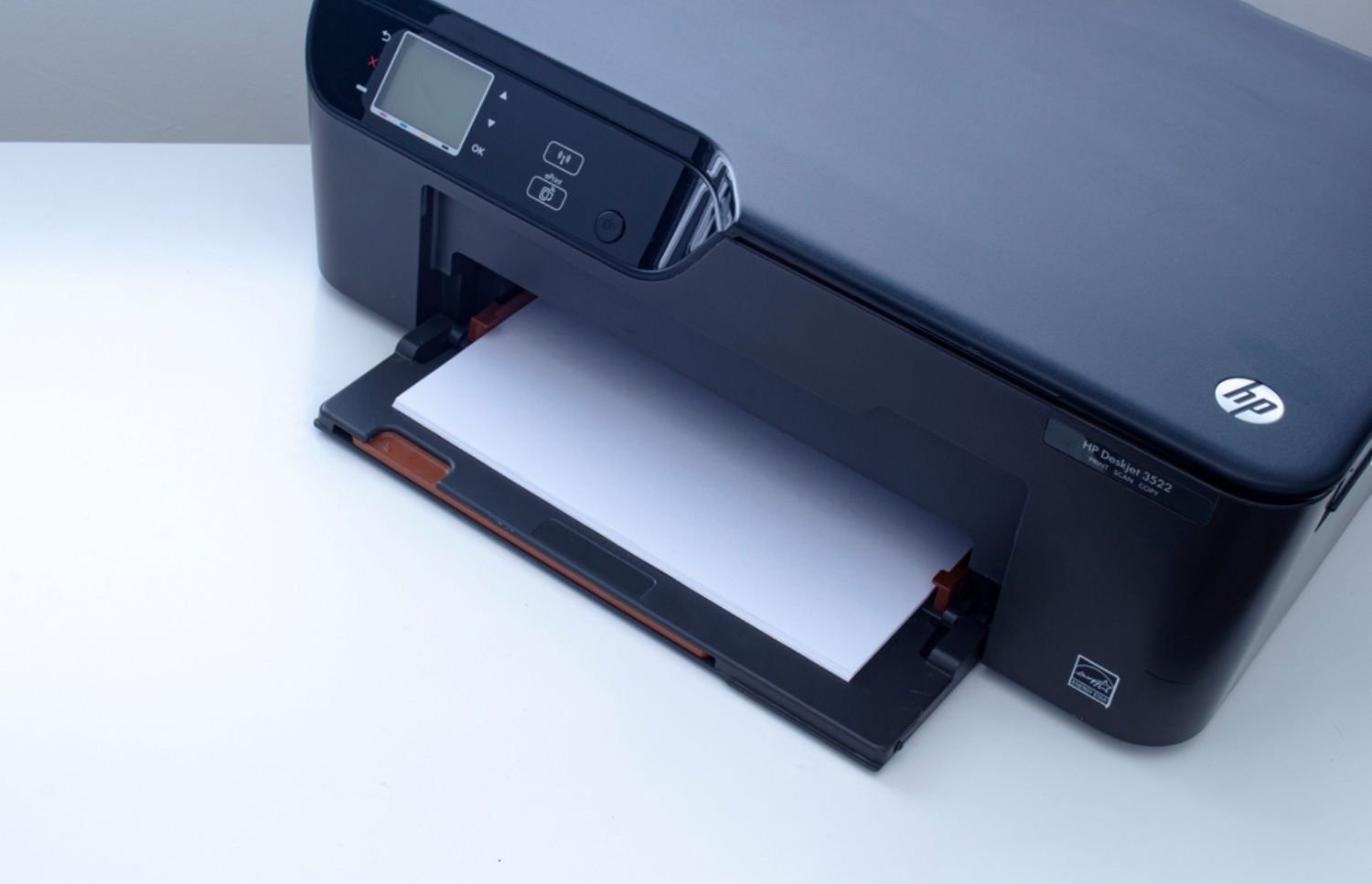

Enterprise printing should be seamless. Yet even in environments with robust infrastructure, frustrating issues like a printer printing blank pages can disrupt productivity, slow workflows, and waste expensive consumables. While it may seem like a minor inconvenience, frequent blank pages often signal deeper operational or hardware inefficiencies that deserve immediate attention.
Instead of treating it as a one-off glitch, it’s worth investigating why it happens and what can be done to stop it from happening again. Often, it signals that something within the print ecosystem isn’t aligned, from hardware and software to consumables and user workflows. In fact, according to IDC, global printer shipments dropped 17.6% in Q1 2024, signaling a shift toward consolidating and modernizing print environments—making unresolved issues like blank-page output even more costly in leaner, optimized fleets.
Common Causes Behind Why Your Printer Is Printing Blank Pages
Blank pages can signal more than just a simple malfunction. In business environments where efficiency matters, understanding the root causes behind blank outputs can prevent recurring issues and unnecessary downtime. While the reasons vary, they often fall into a few common technical or operational categories.
- Empty or Misaligned Ink and Toner Cartridges
Perhaps the most straightforward cause, depleted ink or toner cartridges can lead to blank pages. However, in larger printer fleets, one malfunctioning unit can disrupt entire document workflows. Misaligned cartridges can also cause uneven or missing prints. - Driver Conflicts and Software Settings
Incorrect printer drivers or misconfigured settings are another leading cause of printing blank pages. Especially in multi-device networks, deploying universal drivers can lead to compatibility issues. Additionally, outdated firmware or mismatched print commands from software can cause the printer to skip image rendering entirely. - Clogged Print Heads and Maintenance Oversights
Even in high-volume environments, print heads can become clogged if not cleaned regularly. As a result, printers may go through the motions without actually laying ink or toner on the page. Preventative maintenance routines can address this before it turns into a recurring problem. - Low-Quality Paper or Improper Loading
Sometimes overlooked, paper quality matters. Thin or incompatible paper can trigger misfeeds, leading to skipped pages or false prints. Incorrectly loaded trays or non-standard sizes can also confuse sensors, prompting the printer to push out blank pages.
Understanding these triggers is the first step toward maintaining dependable print output. By addressing root causes proactively, IT teams can reduce the likelihood of blank-page incidents and protect productivity. Reliable enterprise printing depends on getting every detail right, from driver configuration to hardware alignment.

Preventing Printing Blank Pages with Enterprise Print Management
Smart businesses know that reactive troubleshooting costs time. Instead, deploying proactive print management tools can reduce instances of printing blank pages and other common disruptions.
Centralized monitoring software allows IT teams to track toner levels, error rates, and paper jams across every device. Having managed print services ensures quicker intervention before minor issues turn into workflow delays.
Another tactic involves fleet-wide driver standardization. When print drivers are consistent and regularly updated, compatibility issues drop. Pre-testing drivers before rollout also prevents potential conflicts between device models or brands.
Automated maintenance alerts offer further protection. Built-in diagnostics in enterprise printers can be configured to notify teams when maintenance is needed. This reduces the risk of overlooked problems causing blank pages.
Low Toner Issues That Cause Printing Blank Pages
Low toner doesn’t always mean no toner. Sometimes, even when a cartridge appears functional, it may produce blank or faded pages due to uneven distribution. In many cases, printers still attempt to print despite running on fumes, which can lead to printing blank pages and inconsistent output.
Additionally, toner warnings can be misleading. Early alerts may cause premature replacement, while ignoring them can lead to poor print quality. Knowing how your devices calculate toner levels helps avoid unnecessary waste or print failures.
Storage also plays a role. Toner exposed to heat or moisture can clump or lose consistency. Even new cartridges may underperform if not stored properly, especially in busy office environments.
Fixing Blank Pages from Network Print Commands
Even in well-maintained environments, network issues can unexpectedly result in printers printing blank pages. These problems are often tied to digital workflows rather than hardware faults, which means resolving them requires a closer look at how data travels across your print network.
- Malformed Print Jobs
Corrupted or incomplete files sent from legacy systems often produce blank pages. Therefore, updating file conversion protocols and using print preview tools before sending jobs can help. - Cloud Print Misconfigurations
As more organizations shift to cloud print infrastructure, sync issues between endpoints and print servers can interrupt image rendering. Verifying settings on both the server and client side is key. - Access Control Misfires
Security protocols that restrict certain users from accessing specific trays or functions can also cause devices to skip actual printing. Fine-tuning permissions avoids these errors.

Solutions That Go Beyond Troubleshooting
Sometimes fixing blank pages means thinking beyond the device. Aligning the right printers with your business needs, whether for document volume, media type, or user access, creates a stronger foundation for reliability. This guide offers insight into matching hardware to workflow demands.
Technology adds another layer of assurance. Features like predictive maintenance, self-cleaning print heads, and intelligent load balancing reduce downtime and manual oversight. Printer automation transforms reactive response into proactive system health.
Finally, building a relationship with a trusted print partner ensures sustainable performance. Diagnostic services, fleet planning, and ongoing support help prevent issues like printing blank pages, keeping teams focused on work, not paper jams.
Beyond the Blank Page: Rethinking Enterprise Print Health
Blank pages may seem like a minor annoyance, but they often reflect deeper misalignments across systems, supplies, and user behavior. Each misprint signals potential inefficiencies that can ripple through workflows and impact cost, performance, and output consistency.
Organizations that take enterprise printing seriously don’t just troubleshoot; they also optimize. Whether through software upgrades, hardware alignment, or smarter workflows, sustained reliability requires more than one-time fixes. A healthy print ecosystem reduces the risk of printing blank pages and supports smarter operations at scale.
That’s where On-Site LaserMedic adds value. Our managed print solutions are built for stability, scalability, and support—from automated diagnostics to fleet-wide maintenance strategies. Get in touch to explore how we can help you eliminate blank pages and elevate your entire print environment.