
Every busy office eventually encounters a frustrating queue of stalled print jobs. Modern organizations need reliable hardware that can handle complex document workflows without unexpected delays. Deploying high-quality Lexmark printer solutions provides the stability needed for enterprise output.
Busy administrative teams cannot afford hardware failures during critical operating hours. Mechanical delays can slow projects and place added pressure on internal technical resources. Choosing the right equipment helps protect productivity and control long-term administrative costs.
Enhancing Workflow Efficiency with Lexmark Printer Solutions
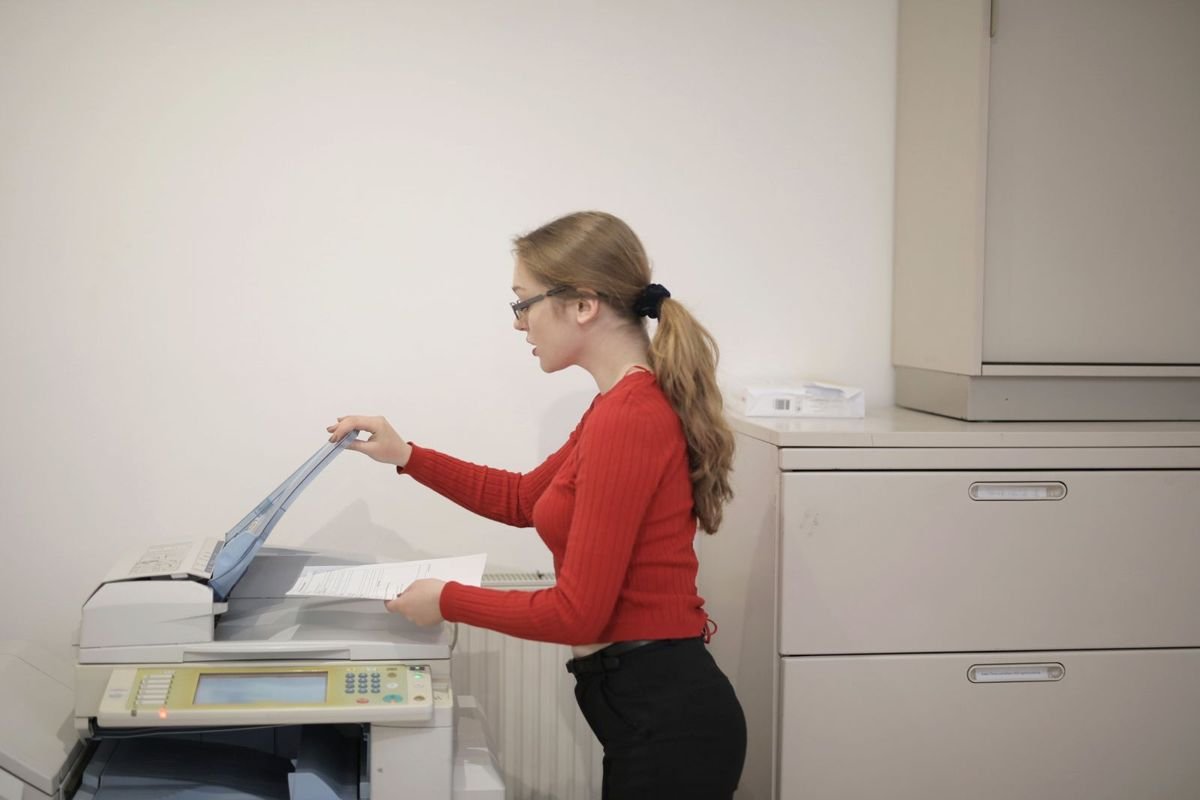
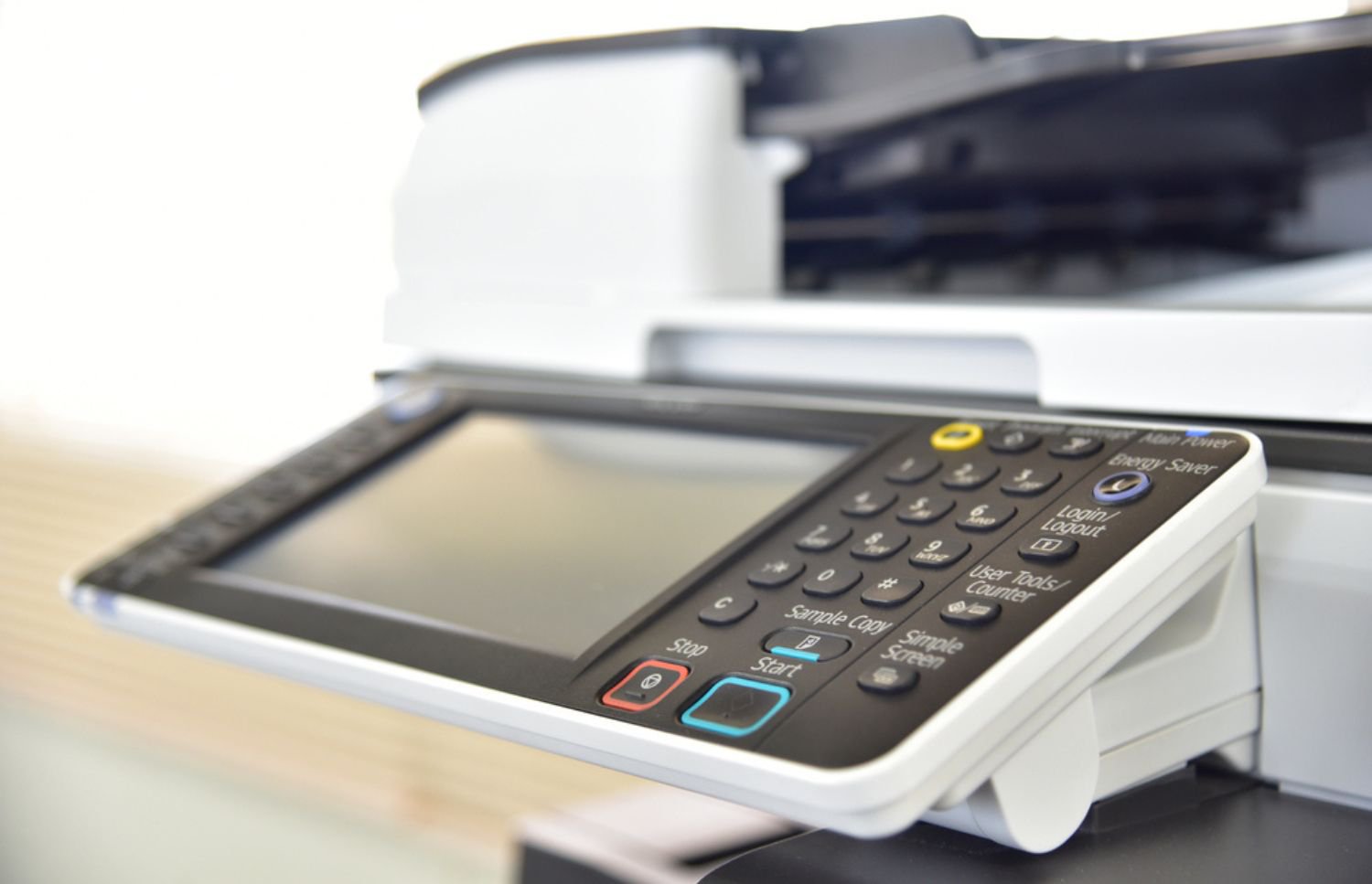
High-speed document handling lets personnel focus on core operational tasks instead of dealing with mechanical jams. Integrated scanning and automated file distribution turn physical records into indexed digital files that are easier to manage and retrieve. Modern Lexmark printer solutions also simplify multi-step administrative work through touch-based interfaces designed for straightforward operation.
Direct document routing removes the need for time-consuming manual indexing. Staff can scan Modern print infrastructure bridges physical records and cloud-based business applications. Built-in optical character recognition turns printed text into searchable digital files, making information easier to locate when teams need it. Reducing manual file searches gives legal, financial, and administrative departments more time for work that requires their attention. and send them to encrypted cloud repositories or departmental databases without adding extra steps. This gives enterprise teams a smoother way to manage documents while keeping print and scanning workflows moving.

Modern print infrastructure connects physical paper archives with cloud-based business applications. Specifically, built-in optical character recognition converts printed characters into searchable digital files for fast retrieval. Eliminating manual file searches restores productive time across legal, financial, and administrative departments.
Protecting Corporate Data Across Lexmark Printer Solutions Networks
Unprotected network printers can create entry points for corporate data security threats. Encryption protocols protect print transmissions as they move across local networks. Reviewing critical cloud printing security considerations helps businesses protect sensitive records from unauthorized network access.
Network endpoints need security measures that prevent accidental or malicious data exposure. Multifunction devices can store temporary images of processed jobs on internal hard drives, making data sanitization an important part of printer security. Secure Lexmark printer solutions can automatically purge residual document data from internal storage drives.
Compliance standards also require verifiable audit trails for sensitive document output in regulated industries. Centralized management consoles can track user authentication and help enforce corporate policies across departments. Strong oversight reduces security risks and helps businesses maintain consistent data protection practices across their print environment.
Identifying Ideal Environments for Lexmark Printer Solutions
High-capacity operations need rugged printing hardware that can withstand continuous mechanical stress. Healthcare facilities, law practices, and logistics hubs depend on consistent output to keep schedules on track. Lexmark printer solutions support demanding workloads while reducing equipment downtime.
Legal offices handle extensive case files that require crisp, high-contrast monochrome text. Fast page production helps paralegals prepare urgent filings when court deadlines are approaching. Lexmark printer solutions with high-capacity paper trays can support long print runs without frequent interruptions.
Logistics facilities produce shipping manifests, barcode labels, and bills of lading throughout the workday. Heavy-duty internal components help protect equipment from warehouse dust and debris that can affect mechanical performance. Industrial-grade printing hardware gives these facilities the capacity and reliability needed for demanding document workflows.
Optimizing Fleet Performance Through Strategic Deployment
Unmonitored print fleets spread across multiple office floors can place added pressure on internal technical teams. Centralized fleet software gives IT managers visibility into device status, error logs, and paper consumption from one system.
Incorporating dependable solutions into fleet management helps match equipment to each work environment:
- Deploying heavy-duty multifunction units in high-volume administrative hubs for shared output
- Standardizing single-function desktop printers for executive suites with occasional printing needs
- Configuring secure badge-release printing in shared departmental areas to protect document privacy
- Setting up automated toner monitoring to trigger supply replenishment before cartridges run empty
- Scheduling preventive maintenance during off-peak hours to limit workflow disruptions
A balanced fleet gives each workgroup the output capabilities needed for its specific tasks. Remote telemetry software for Lexmark printer solutions can alert field technicians when supplies run low or equipment shows signs of mechanical wear, giving teams a chance to address issues before they interrupt operations.
Key Factors for Selecting Enterprise Printing Technology
Evaluating operational demands helps leadership identify the right hardware configurations before making a purchase. Careful volume planning ensures selected devices can handle departmental workloads without placing unnecessary strain on equipment.
Analyzing workflow demands helps guide Lexmark printer solutions selection across enterprise environments:
- Assessing monthly page volumes to match hardware duty cycles with actual demand
- Evaluating duplex scanning speeds to support electronic document workflows
- Reviewing network authentication protocols to maintain endpoint security
- Calculating supply consumption rates to manage long-term operating costs
- Measuring available floor space to select equipment that fits each layout

Choosing equipment based on operational data can reduce component wear and recurring support requests. Tailored solutions give organizations the equipment and capabilities needed to support productive workflows.
Reducing Total Costs with Managed Services
Emergency equipment breakdowns can cause costly operational delays that affect team output and project timelines. Partnering with experienced field technicians helps control these costs through preventive service routines. Understanding equipment downtime costs shows why regular hardware care plays an important role in cost management.
Handling printer repairs in-house can pull IT professionals away from core infrastructure projects. Comparing managed services versus in-house printing gives executives a clearer basis for choosing the right administrative structure.
Unchecked supply purchasing inflates annual operating budgets when departments order consumables independently. Standardizing Lexmark printer solutions enables consolidated supply procurement and more predictable monthly budgeting. Professional fleet oversight helps maintain equipment availability while lowering total ownership costs over time.
Maximizing Infrastructure Reliability and Long-Term Value
Dependable office hardware demands expert care to deliver maximum performance over time. Sudden equipment failures lead to costly office delays and lost employee productivity. Professional maintenance keeps your printer fleet running smoothly without unexpected operational stops.
On-Site LaserMedic helps organizations maintain efficient printing environments through complete managed services. Strategic oversight balances daily supply needs with long-term hardware reliability goals effectively. Connect with On-Site LaserMedic to optimize your ongoing office printing infrastructure.