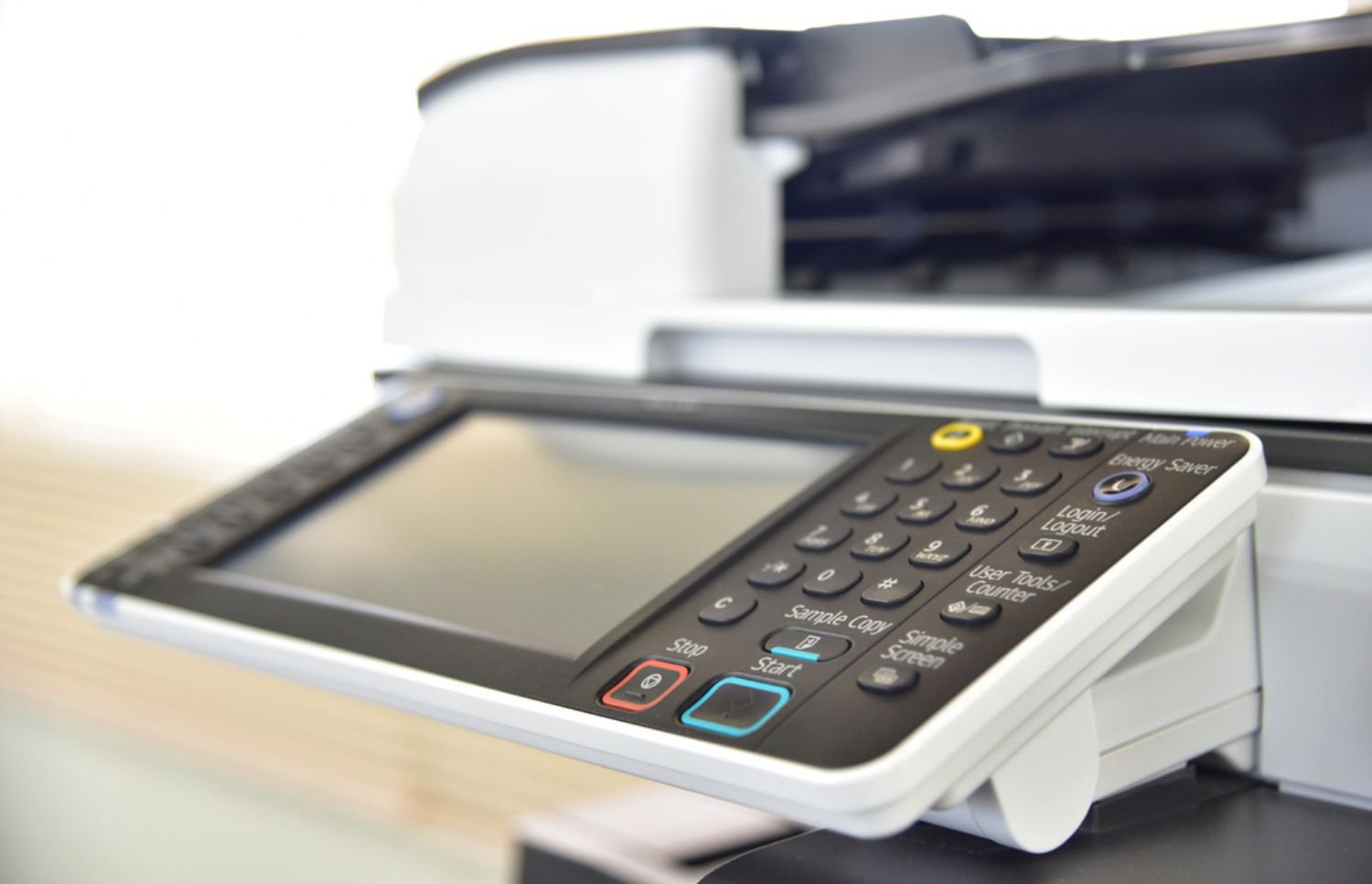

Corporate printing demands reliable equipment availability, strong document security, and smooth office workflows. Modern workplaces need dependable hardware that integrates easily with existing network protocols. Deploying Lexmark printers helps organizations maintain steady output while managing operating expenses.
Selecting appropriate office equipment requires evaluating average page volumes, paper handling, and department needs. Commercial print hardware must handle heavy monthly workloads without suffering constant mechanical breakdowns. Ultimately, enterprise-grade devices streamline document distribution while preventing costly network security issues.
Matching Lexmark Printers to Specific Workplace Requirements
Different office environments require tailored printing solutions based on page counts and tasks. Choosing the right hardware prevents workflow bottlenecks and extends the life of equipment. Understanding distinct device categories ensures your business installs equipment built for its workload.
Here is a breakdown of common device categories designed to support different organizational needs:
- Single-function models deliver fast monochrome or color output for heavy printing environments.
- Multifunction units combine printing, scanning, copying, and faxing into one practical desktop space.
- Enterprise departmental models feature expandable paper trays, high-yield toner options, and automated finishing options.
- Compact desktop models serve small teams or administrative workstations with lighter printing needs.
- High-volume color multifunction series offer broad color accuracy alongside quick document processing speeds.
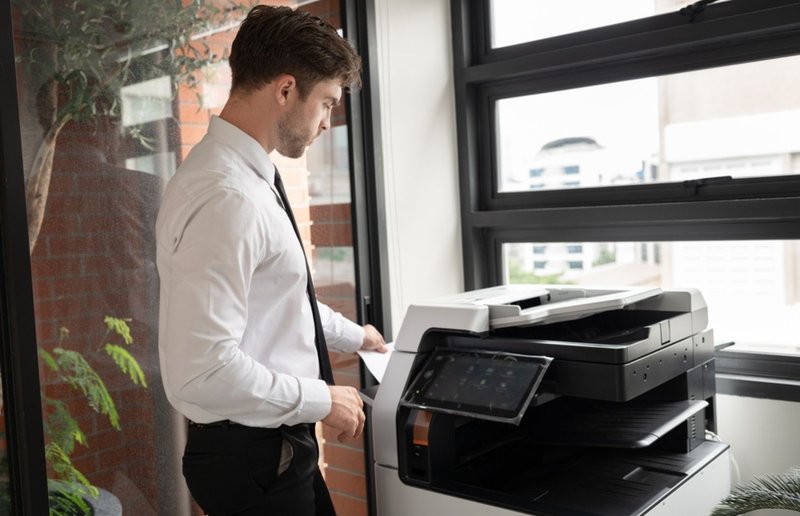
Selecting appropriate equipment depends heavily on analyzing average monthly print volumes and necessary tasks. Reviewing the comprehensive office equipment list helps managers evaluate Lexmark printers alongside other infrastructure that supports expanding office operations.
Advanced Workflow Capabilities and Security Controls
Modern Lexmark printers feature touchscreen interfaces that simplify routine administrative tasks. Built-in scanning tools send digitized documents directly to cloud storage. Automated document routing reduces manual errors and keeps workflows moving.
Network security is an important part of modern print infrastructure across corporate departments. Lexmark printers include encrypted storage drives and user login controls that help protect confidential business records. These security features reduce the risk of unauthorized access to sensitive documents.
Flexible wireless connectivity supports mobile printing across hybrid offices. System administrators can push firmware updates and review usage data without visiting each device. Centralized management tools give IT teams greater control over print infrastructure while reducing routine support demands.
Key Selection Factors for Commercial Lexmark Printers
Choosing the right hardware requires assessing actual user habits, page volumes, and required functions. Modern businesses should review technical specs carefully before making a final enterprise hardware purchase. Checking essential performance features ensures every new machine satisfies demanding workplace productivity goals.
Consider these critical selection criteria when evaluating enterprise equipment for your office:
- Processing speed determines how quickly large print jobs move through busy administrative queues.
- High paper tray capacities minimize manual paper refills during busy end-of-month production cycles.
- Built-in security features protect sensitive financial records across internal office networks and drives.
- Cloud integration capabilities support instant document sharing for multi-location teams and remote staff.
- Eco-friendly energy settings lower electricity usage while reducing long-term operating costs across fleets.
Evaluating these core factors helps management teams select durable enterprise printing hardware. Properly matching machine capabilities to actual user demands prevents workflow bottlenecks.
Evaluating Fleet Capacity, Volume, and Operational Needs
Calculating real monthly print volumes helps businesses avoid purchasing underpowered devices that struggle under demanding workloads. Pushing a light-duty machine beyond its limits can increase maintenance costs and cause frustrating work delays. Choosing high-capacity Lexmark printers instead gives businesses the performance needed to handle large print runs without sacrificing speed or quality.
Organizations looking for dependable print output can review top commercial printers to compare features and specifications across popular brands. Beyond the device itself, paper capacity should also match expected usage to minimize interruptions for frequent tray refills. Matching equipment and capacity to actual demand helps maintain consistent performance while reducing unnecessary wear on internal components.
For departments handling legal files, patient records, or marketing proofs, paper handling flexibility can be just as important as print volume. Reviewing specialized high-volume printers can help businesses identify features suited to demanding document workflows. The right combination of capacity and paper-handling capabilities keeps production moving and helps documents maintain a clean, professional presentation.
Proactive Maintenance and Long-Term Cost Optimization
Unexpected printer breakdowns disrupt busy work routines and pull internal IT staff away from priorities. Fortunately, servicing enterprise Lexmark printers with regular technician inspections catches worn rollers and paper jams early. Preventative maintenance extends total machine lifespans and keeps ongoing repair expenses steady and predictable.
Reviewing managed print services and in-house printing highlights major financial savings for expanding mid-sized enterprise fleets. Automated supply tracking orders fresh toner early, avoiding expensive rush shipments or sudden work halts. Fleet management tools help management stop unnecessary color printing across individual internal departments.

Besides lowering costs, predictable fixed-rate service coverage eliminates sudden repair bills and stabilizes administrative budgets. Professional field care ensures your printing hardware keeps operating at peak efficiency year after year. Optimizing print infrastructure protects company profits while maintaining smooth document workflows.
Strategic Fleet Management for Modern Enterprises
Managing multiple office machines effectively requires clear visibility into equipment usage, performance, and supply needs. Administering corporate Lexmark printers with fleet software helps track monthly page counts and identify changing print demands. Centralized oversight also makes it easier to allocate printing resources across active business departments.
With better insight into print activity, companies can establish sensible guidelines that reduce paper and supply waste. For instance, restricting color output for internal rough drafts can help control supply costs without limiting important business documents. Automated toner restocking further supports these efforts by ensuring busy offices have the supplies they need for critical projects.
As print environments grow more complex, working with experienced print specialists can simplify software updates, system setups, and ongoing management. Expert fleet oversight reduces troubleshooting demands on busy internal technology teams while keeping equipment properly maintained. This streamlined approach supports reliable performance, more predictable costs, and a smoother printing operation.
Maximizing Enterprise Performance with Lexmark Printers
Buying quality printing hardware is only one step toward building a smooth corporate work environment. Supporting enterprise Lexmark printers with expert setup and ongoing maintenance ensures operational success. Professional technician support protects your equipment investment and eliminates the hassle of unexpected office downtime.
On-Site LaserMedic offers comprehensive maintenance, rapid repair, and managed print support for your Lexmark printers. Experienced field technicians help organizations maintain total fleet reliability while keeping operating expenses low. Connect with On-Site LaserMedic to optimize your business printing infrastructure and tailored maintenance strategy.