Finding printers that print white ink requires navigating complex commercial hardware markets today. Traditional office imaging devices cannot process light tones over dark specialty media backgrounds. As a result, companies must invest in advanced printing solutions for customized graphic workflows.
Exploring specific device limitations helps organizations avoid costly hardware procurement mistakes early on. Specialized imaging systems utilize unique toner formulas engineered to lay opaque base layers. Ultimately, understanding core machine differences empowers leaders to align technology with actual production requirements.
What Types of Printers Print White Ink?
Most standard office printers cannot print white ink because they rely on white paper as the white element in a design. Businesses that need white graphics on dark materials require specialty printing equipment designed to handle white ink or white toner.
The most common printers that print white ink include:
- White toner laser printers for labels, decals, packaging prototypes, and marketing materials.
- UV printers for printing directly onto acrylic, wood, metal, glass, and other rigid surfaces.
- DTF (Direct-to-Film) printers that use white ink as a base layer for garment transfers.
- DTG (Direct-to-Garment) printers designed for printing on dark-colored apparel.
- Dye-sublimation systems with specialty workflows for select promotional product applications.
The right solution depends on the material being printed, production volume, durability requirements, and budget.
Why Standard Office Equipment Fails as Printers That Print White Ink
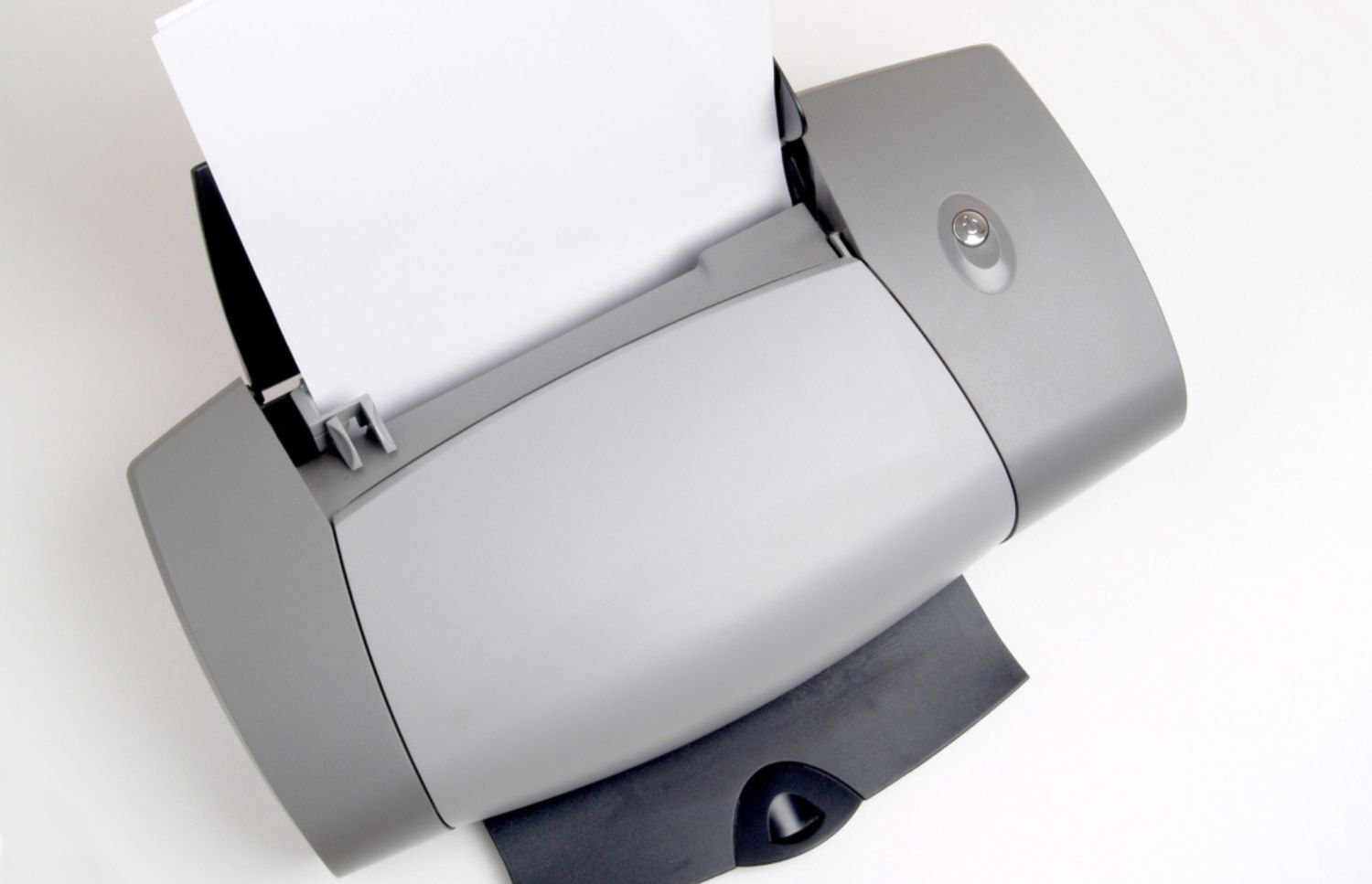
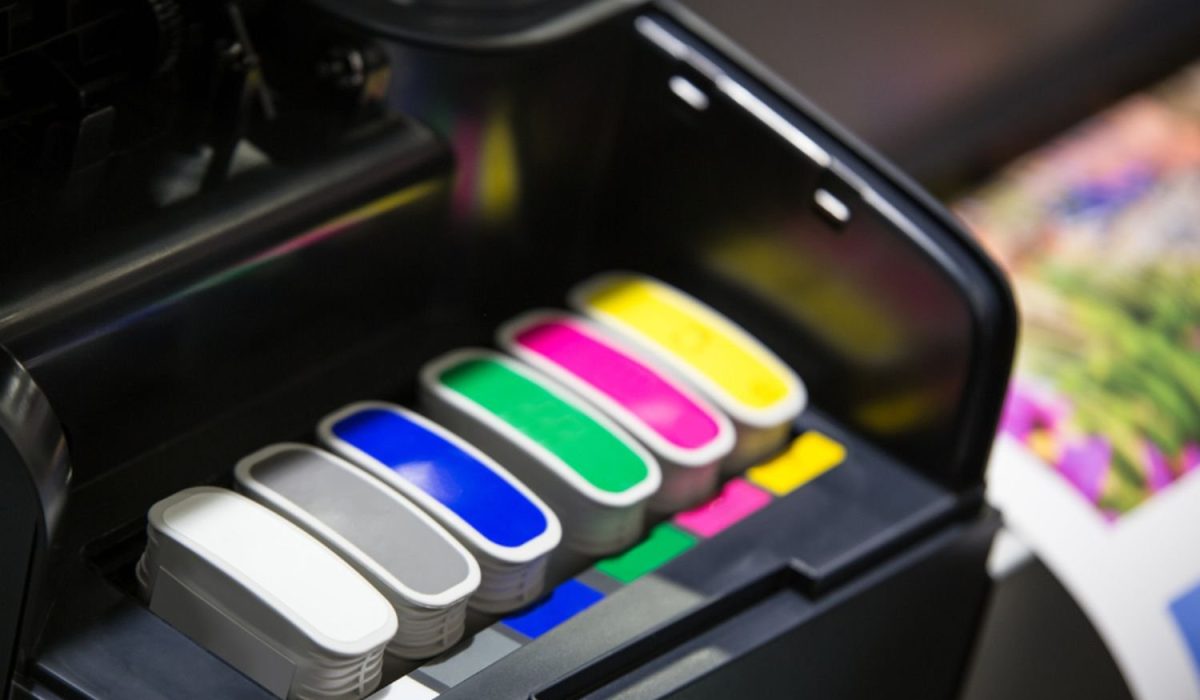
Standard document machines operate using only cyan, magenta, yellow, and black toner cartridges. Normal color mixing processes rely on standard white paper for background brightness. Consequently, printing light graphics directly onto colored cardstock results in completely invisible or washed images.
Regular imaging mechanisms assume empty design space represents untouched areas on bright media. Therefore, conventional laser engines lack the physical channels required for loading specialty pigments. Offices attempting creative marketing projects encounter frustrating technical barriers without proper hardware.
Operating standard devices as printers that print white ink remains physically impossible for normal office setups. In comparison, conventional hardware layouts focus on business documents rather than specialty media projects. However, achieving vibrant opaqueness demands different engineering approaches than daily documentation equipment.

How Technical Systems Power Printers That Print White Ink
Manufacturers engineer specific production models with dedicated fifth color stations for extreme opacity. Specialized toner units deposit heavy undercoats beneath standard colors for maximum visual pop. Standard setups differ from the best commercial printers designed for basic corporate workloads.
Industrial machines apply dense fluid formulations onto dark plastics and textured substrates. Comparing a laser printer vs sublimation printer clarifies how different transfer methods function. Sublimation relies on heat activation, whereas specialty laser systems utilize direct static adhesion.
Sourcing dedicated printers that print white ink ensures crisp rendering across non-traditional dark substrates. In addition, technicians must calibrate complex systems carefully to maintain precise registration on dark materials. Understanding underlying mechanical principles allows managers to make informed hardware purchasing decisions.
Best Applications for White Ink Printing
White ink printing is commonly used when designs must remain visible on dark, transparent, metallic, or textured materials.
Common applications include:
- Window decals and transparent signage
- Dark-colored apparel and garment transfers
- Product labels and packaging
- Promotional products
- Event graphics and displays
- Industrial warning labels
- Retail point-of-sale materials
Organizations should match their printer selection to their intended application to avoid overspending on unnecessary features.
Strategic Uses for Specialty Office Graphics Equipment
Finding practical applications for opaque rendering capabilities improves organizational marketing output. In turn, evaluating daily production tasks reveals clear opportunities where specialized hardware provides competitive advantages.
Specific commercial printing functions benefit from acquiring printers that print white ink directly.
- Creating transparent window decals requires solid undercoats to maintain vivid color visibility.
- Manufacturing custom dark apparel demands thick base layers for vibrant graphic transfers.
- Designing premium event invitations often utilizes opaque text on dark textured cardstock.
- Producing specialized packaging prototypes relies on precise highlight placement over rigid materials.
- Developing durable industrial warning labels involves rendering clear warnings against dark backgrounds.
Furthermore, examining actual workplace demands guarantees organizations only purchase technology solving real operational challenges. In doing so, moving beyond basic document processing opens new creative avenues for corporate branding initiatives.
Evaluating Core Workflow Needs Before Replacing Hardware Systems
Buying advanced technology requires assessing long-term maintenance obligations alongside initial sticker prices. Analyzing printer leasing vs buying options provides clarity regarding sustainable capital expense planning. For this reason, forecasting realistic print volumes helps administrators manage complex department budgets accurately.
Complex graphics machines demand rigorous cleaning cycles to prevent internal component failures. Heavy toners clog delicate delivery systems without consistent proactive field maintenance schedules. For example, maintaining specialized printers that print white ink requires factoring potential downtime risks into cost projections.
Outsourcing specialized graphic projects sometimes makes better financial sense than internalizing production. In light of this, leaders should audit existing departmental workflows before introducing entirely unfamiliar mechanical processes. Evaluating true total ownership costs prevents severe budget surprises after deployment phases finish.

Navigating Next Generation Office Equipment Improvements
The commercial imaging sector evolves rapidly with new digital rendering methods emerging continuously. Exploring new printer technology keeps facilities ahead of crucial productivity efficiency trends. Meanwhile, smart diagnostic tools now predict mechanical malfunctions long before physical breakdowns occur.
Integrated artificial intelligence monitors pigment consumption rates to automate necessary supply replenishment orders. In the same way, modern fleet sensors communicate with central administrative dashboards for instant usage visibility. Modern high-speed printers that print white ink process massive design files without network congestion.
Remaining competitive requires adopting systems capable of handling diverse media requests. Above all, future-proofing organizational hardware investments means prioritizing modular platforms over rigid standalone boxes. Flexible infrastructure adapts easily as corporate graphic demands expand across multiple departments.
How to Choose the Right Printer That Prints White Ink
When evaluating printers that print white ink, consider:
Material Compatibility
Different printers support different materials, including paper, vinyl, fabric, acrylic, metal, and glass. Print Volume
Low-volume businesses may benefit from white toner systems, while high-production environments often require industrial UV or specialty printing equipment.
Maintenance Requirements
White ink systems typically require more maintenance than traditional office printers because white pigments are heavier and can settle within the ink system.
Total Cost of Ownership
Beyond hardware costs, organizations should evaluate consumables, maintenance, training, and expected production volume.
Selecting the right system helps ensure reliable output while avoiding unnecessary operational expenses.
Strategic Print Management with On-Site LaserMedic
Evaluating commercial printers that print white ink requires assessing long-term operational goals and workflow demands first. Securing specialized equipment also requires expert guidance to avoid costly implementation errors. To address this, managed service agreements ensure vital production machines receive continuous professional maintenance from certified technicians.
Selecting optimal printers that print white ink depends entirely on your specific production requirements. To that end, On-Site LaserMedic delivers premier enterprise support tailored specifically for complex device fleet optimization. Contact On-Site LaserMedic today to discuss optimizing your organizational document management architecture.